






Product Help
MagSafe & Qi2 Alignment Help
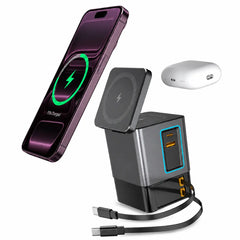
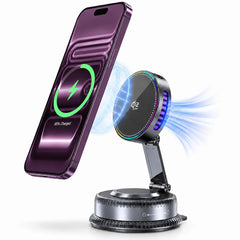
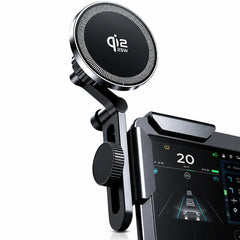
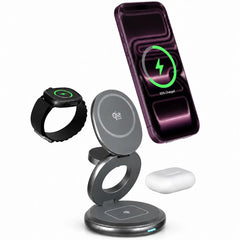
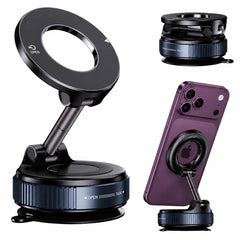
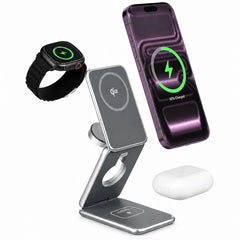
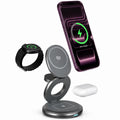
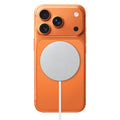
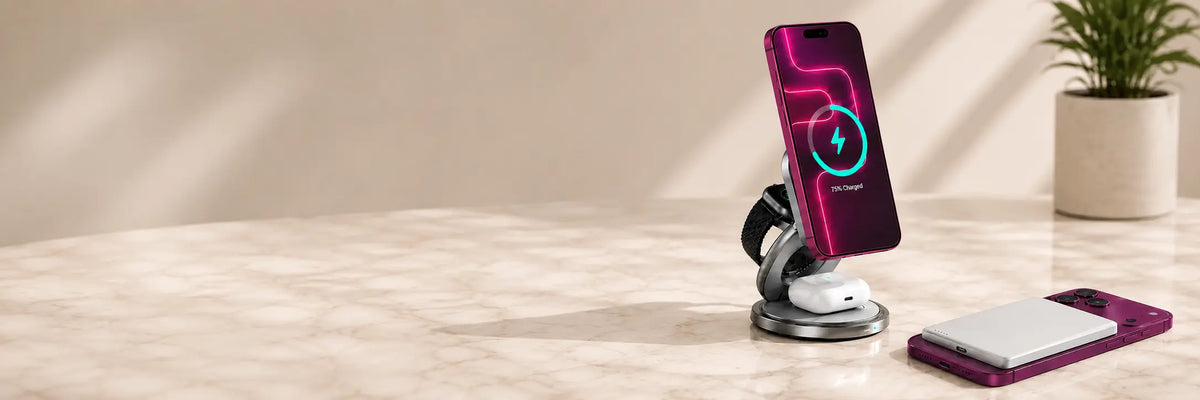
Magnetic charging works best when the charging coil and device are centered correctly. Use these checks if charging starts slowly, stops, or fails to connect.
Get the alignment right
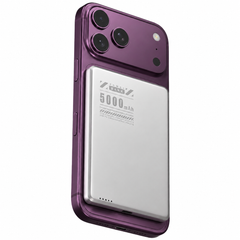
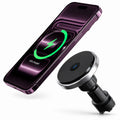
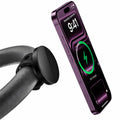
- Place the phone directly over the magnetic charging area.
- Allow the magnets to pull the device into its natural centered position.
- Remove wallets, metal plates, rings or loose objects between the phone and charger.
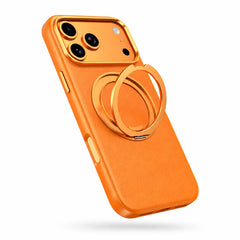
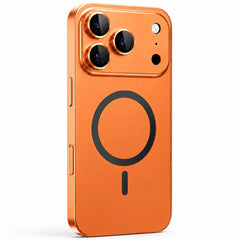
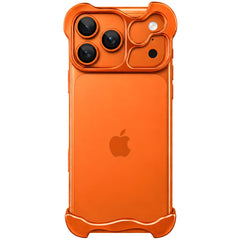
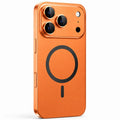
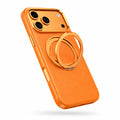
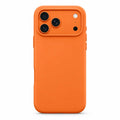
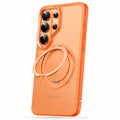
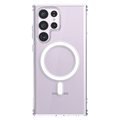
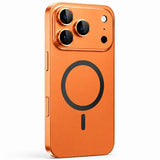
- If using a case, make sure it supports magnetic wireless charging and is not excessively thick.
Case-related problems
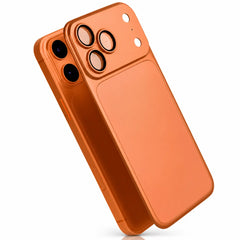
A case can affect both magnetic strength and charging distance. Cases with metal components, poorly positioned magnetic rings or thick construction can interfere with charging.
MagSafe and Qi2 are related, but not identical
Compatibility, certified charging speed and device behavior depend on the charger and phone combination. A magnetic connection alone does not guarantee the maximum advertised charging speed.
If charging still disconnects
Try without the case, use the recommended power adapter, allow the device to cool, and test with no other devices connected. If the problem continues, visit our main charging troubleshooting guide.