




Product Help
Power Bank Help & Troubleshooting
Get the best performance from your portable charger, understand capacity and output, and fix common charging issues.
Before you start
- Fully charge the power bank before first use.
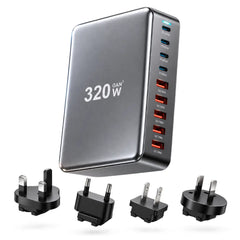
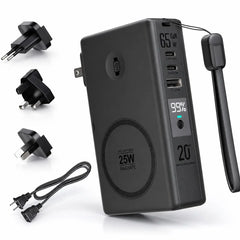
- Use a cable and power adapter capable of the required input and output.
- Check that your device supports the charging method you are trying to use.
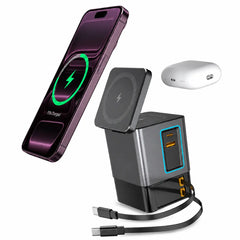
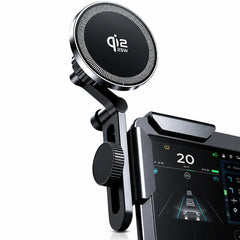
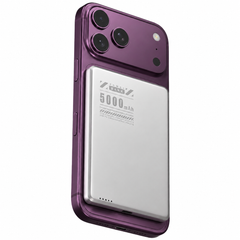
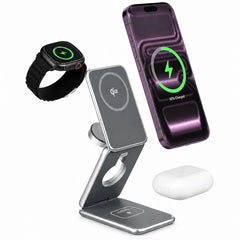
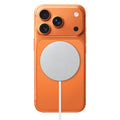
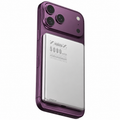
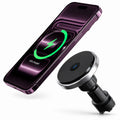
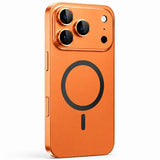
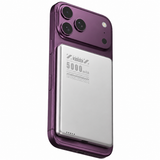
- Remove metal objects or incompatible accessories from between a magnetic power bank and your phone.
If your device is not charging
- Disconnect everything and reconnect one device only.
- Try another known-good cable if using wired charging.
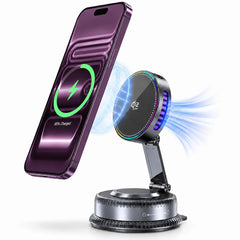
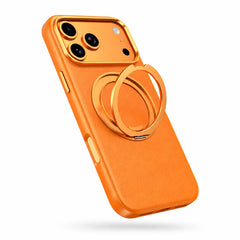
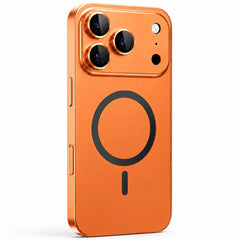
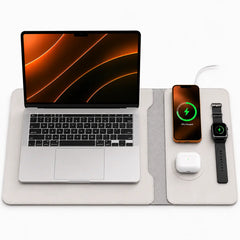
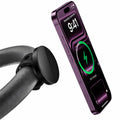
- For magnetic charging, center the phone carefully and remove a thick or non-magnetic case.
- Press the power button if your model requires manual activation.
- Recharge the power bank and test again.
If charging is slower than expected
Charging speed depends on the phone, battery level, temperature, cable, adapter, charging protocol and whether multiple outputs are used at the same time. Devices may also reduce charging speed automatically as the battery fills or when warm.
Heat and safety
Mild warmth during charging can be normal. Stop using the power bank and disconnect it if it becomes unusually hot, swollen, damaged, wet, emits an unusual smell, or shows other signs of physical damage.
Travel
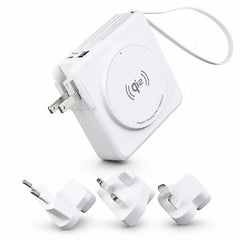
Power banks contain lithium batteries and are generally carried in cabin baggage rather than checked baggage. Airline and country rules can change, so always confirm the current rules for your trip.
Still having trouble?
Contact support with the product name, device model, cable/adapter used, and a short video or photo if the issue is visible.