








Product Help
Product Setup & Daily Use
Set up your product correctly from day one and avoid the most common charging, fit and alignment problems.
Before first use
- Check the product and cable for visible shipping damage.
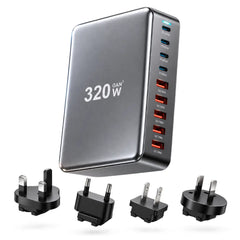
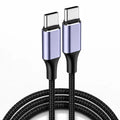
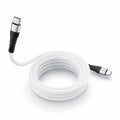
- Use the recommended adapter and cable.
- Remove protective films from charging surfaces where applicable.
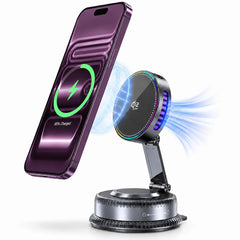
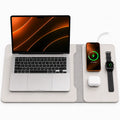
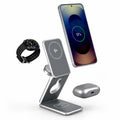
- Place desktop chargers on a flat, dry and ventilated surface.
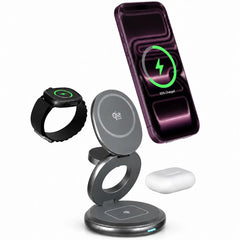
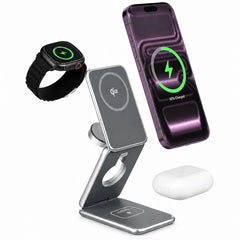
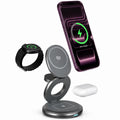
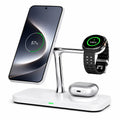
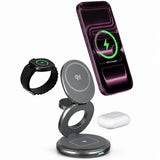
Wireless chargers
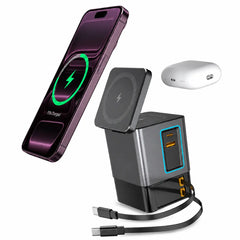
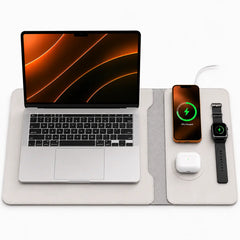
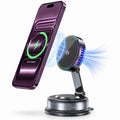
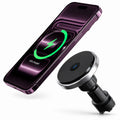
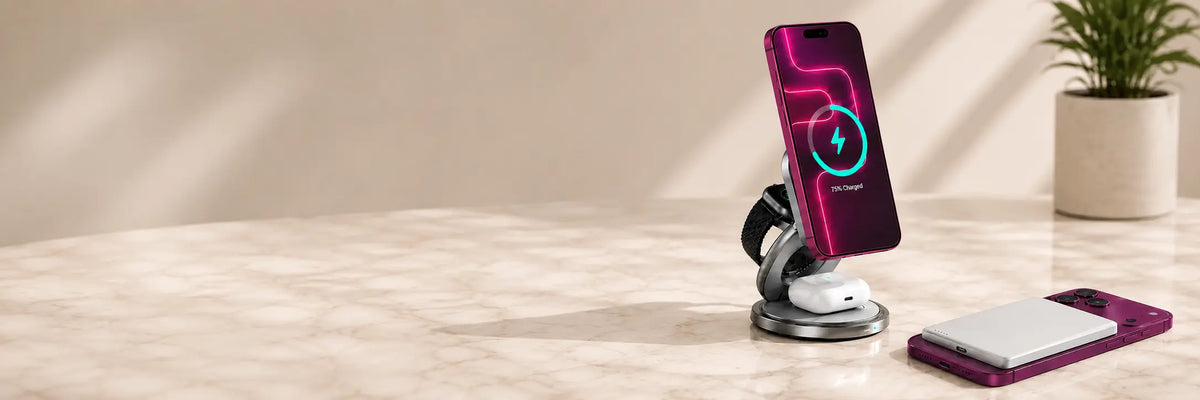
- Center the device on the charging area.
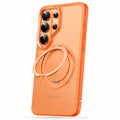
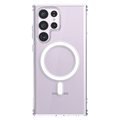
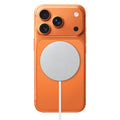
- For magnetic chargers, let the magnets align the device naturally.
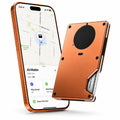
- Remove wallets, metal plates and thick accessories that sit between the device and charger.
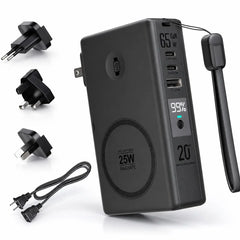
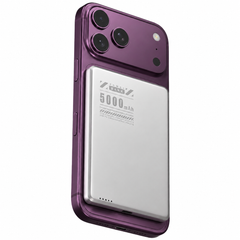
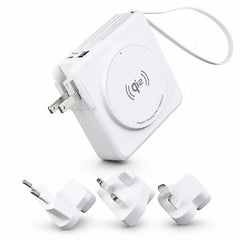
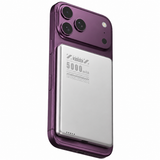
Power banks
- Charge the power bank fully before a long trip.
- Use the correct output for the device you are charging.
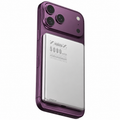
- For magnetic power banks, align the phone centrally and use a compatible magnetic case if needed.
- Recharge the power bank before storing it for extended periods.
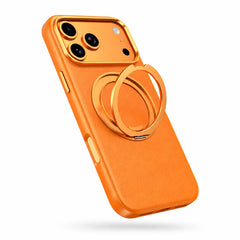
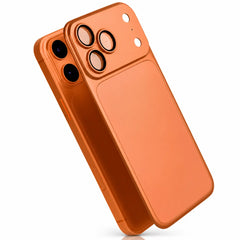
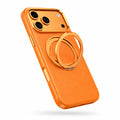
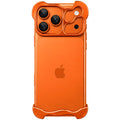
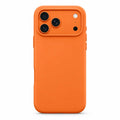
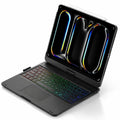
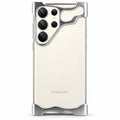
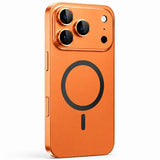
Cases
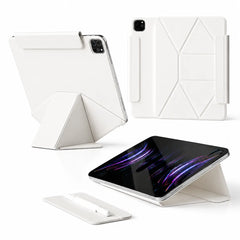
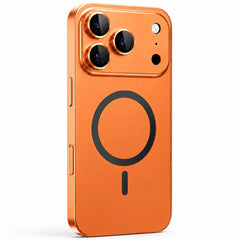
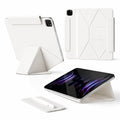
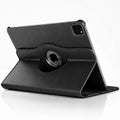
- Confirm the exact phone or tablet model before installation.
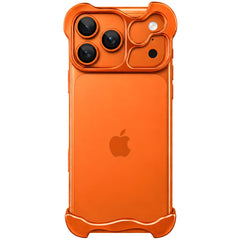
- Press each corner into place evenly rather than forcing one side.
- Check that buttons, camera openings and charging ports align correctly.
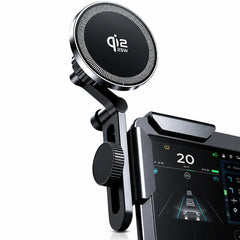
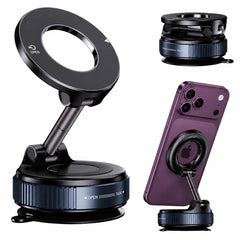
Mounts and stands
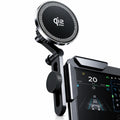
- Clean the mounting surface before installation.
- Allow adhesive mounts to bond before placing heavy load on them.
- Keep magnetic surfaces free of debris that can reduce grip.