

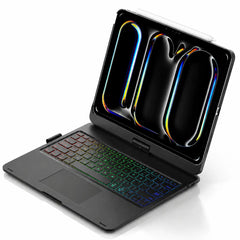

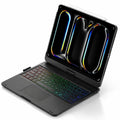



Backlit keyboard
Type comfortably in more lighting conditions.
 Cases & Bands
Your cart is empty
Less clutter. More freedom. Start with the essentials for your devices.
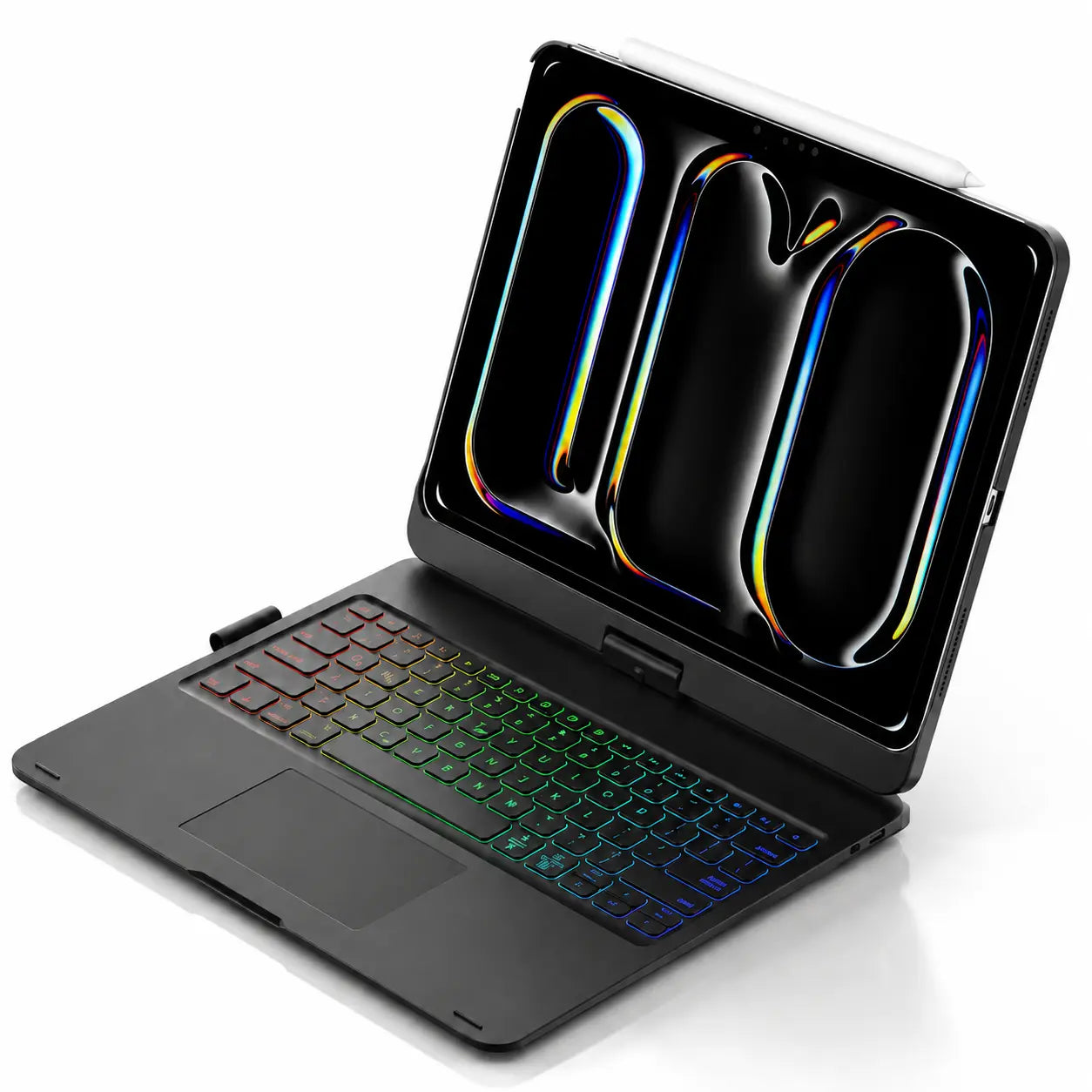


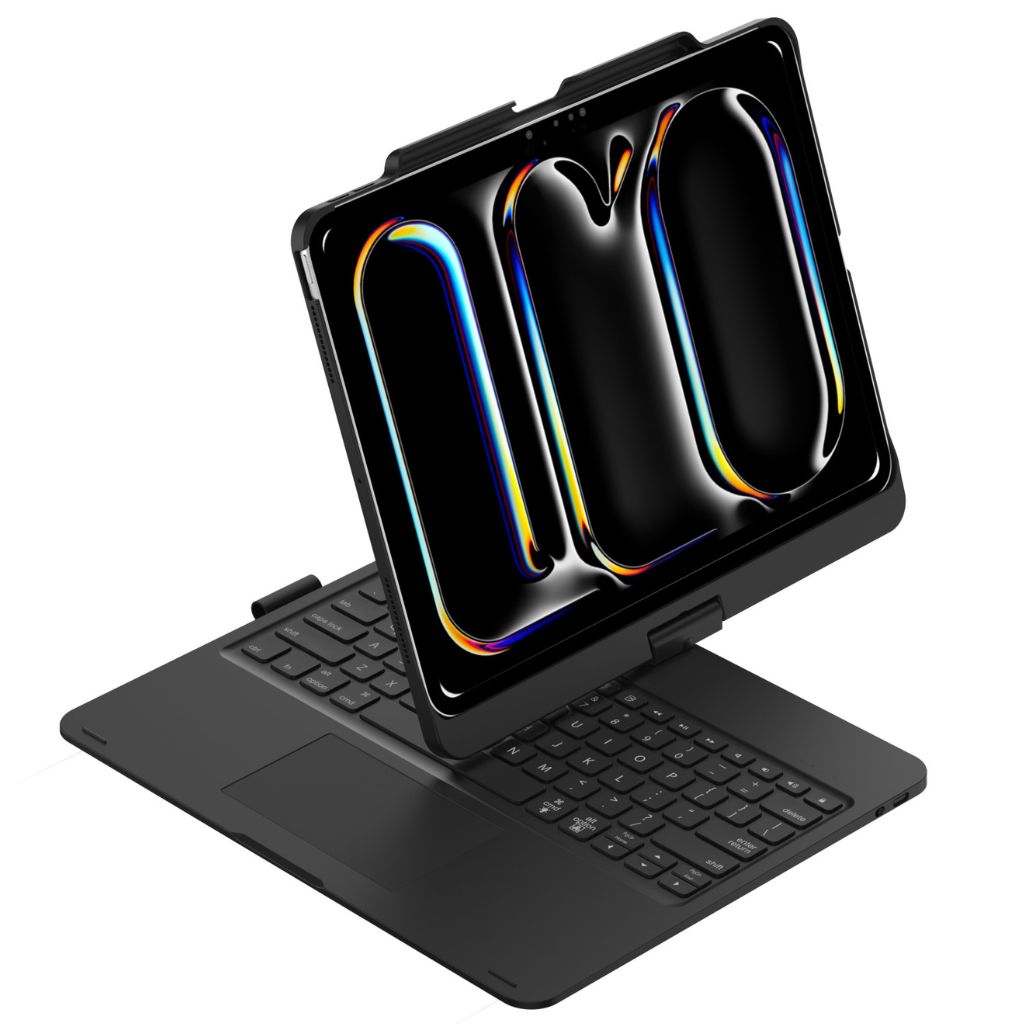
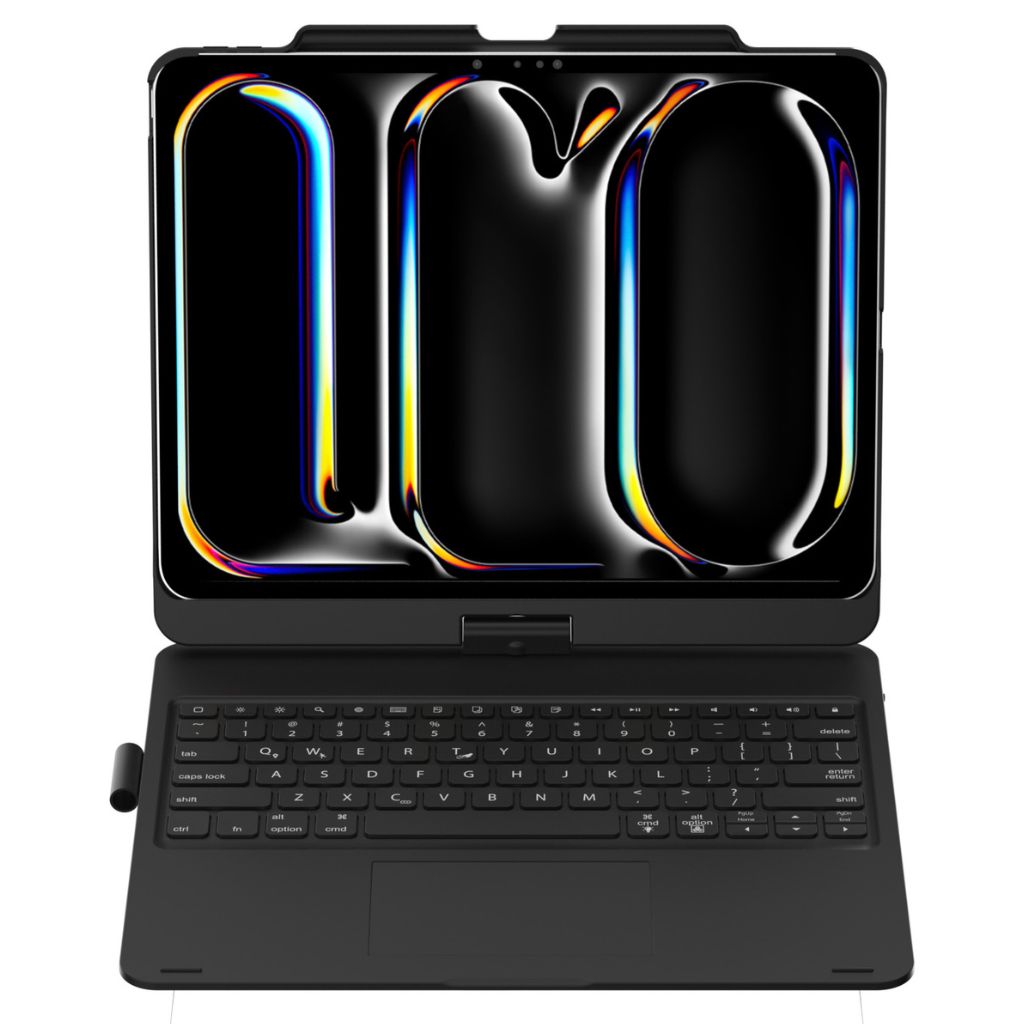
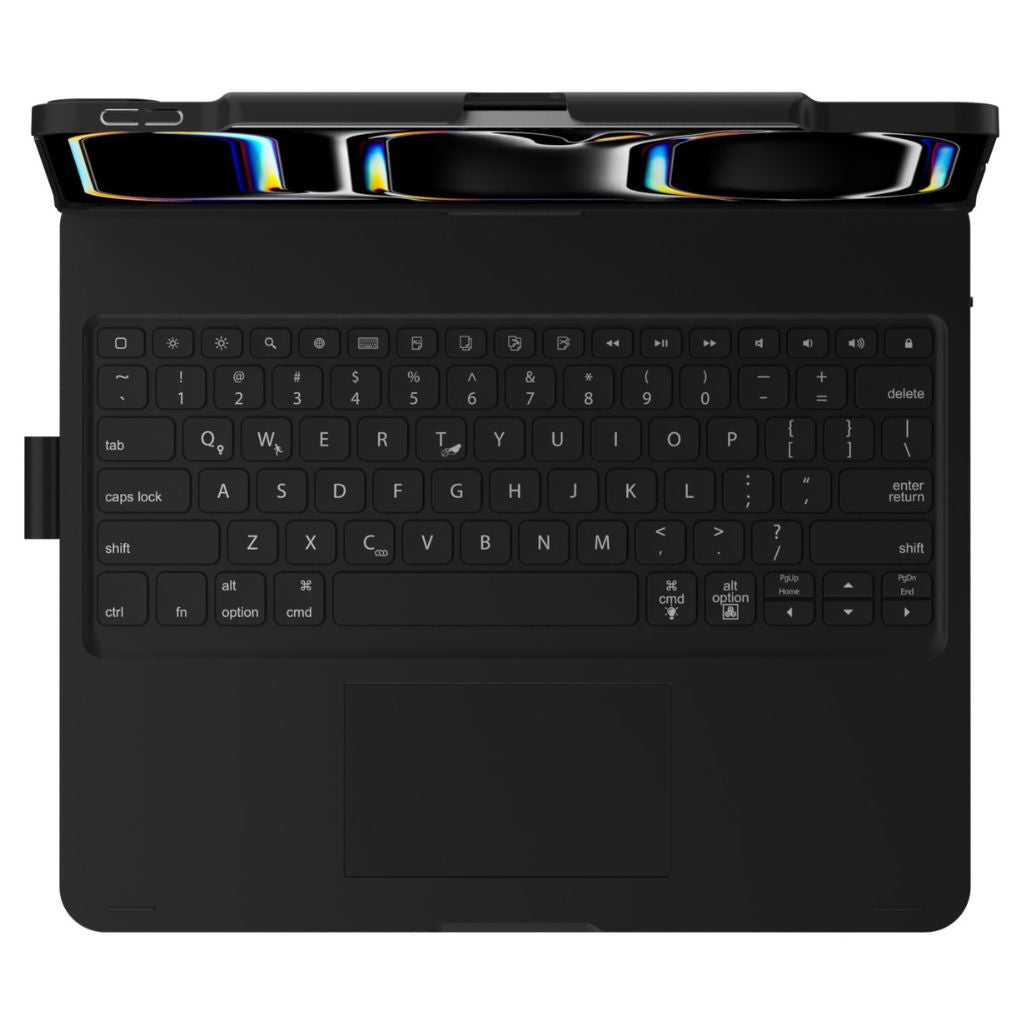
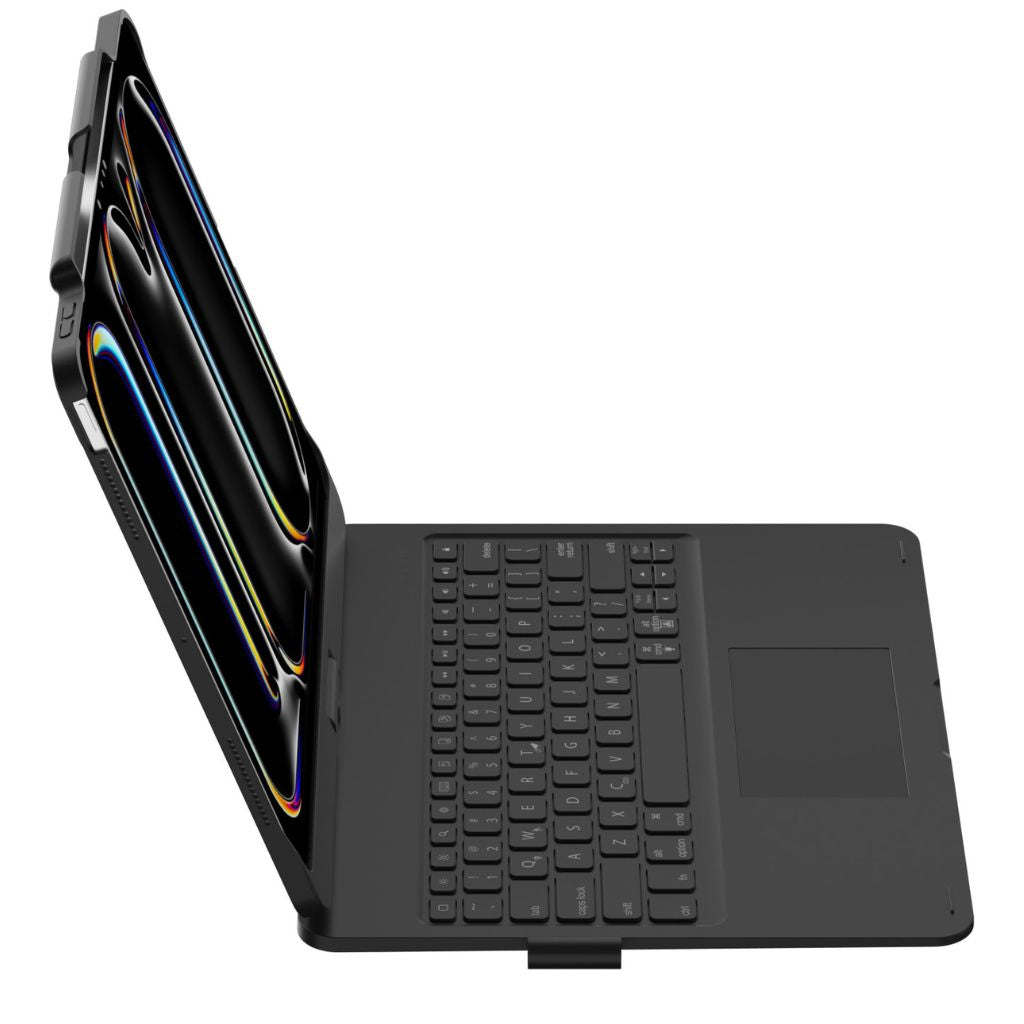
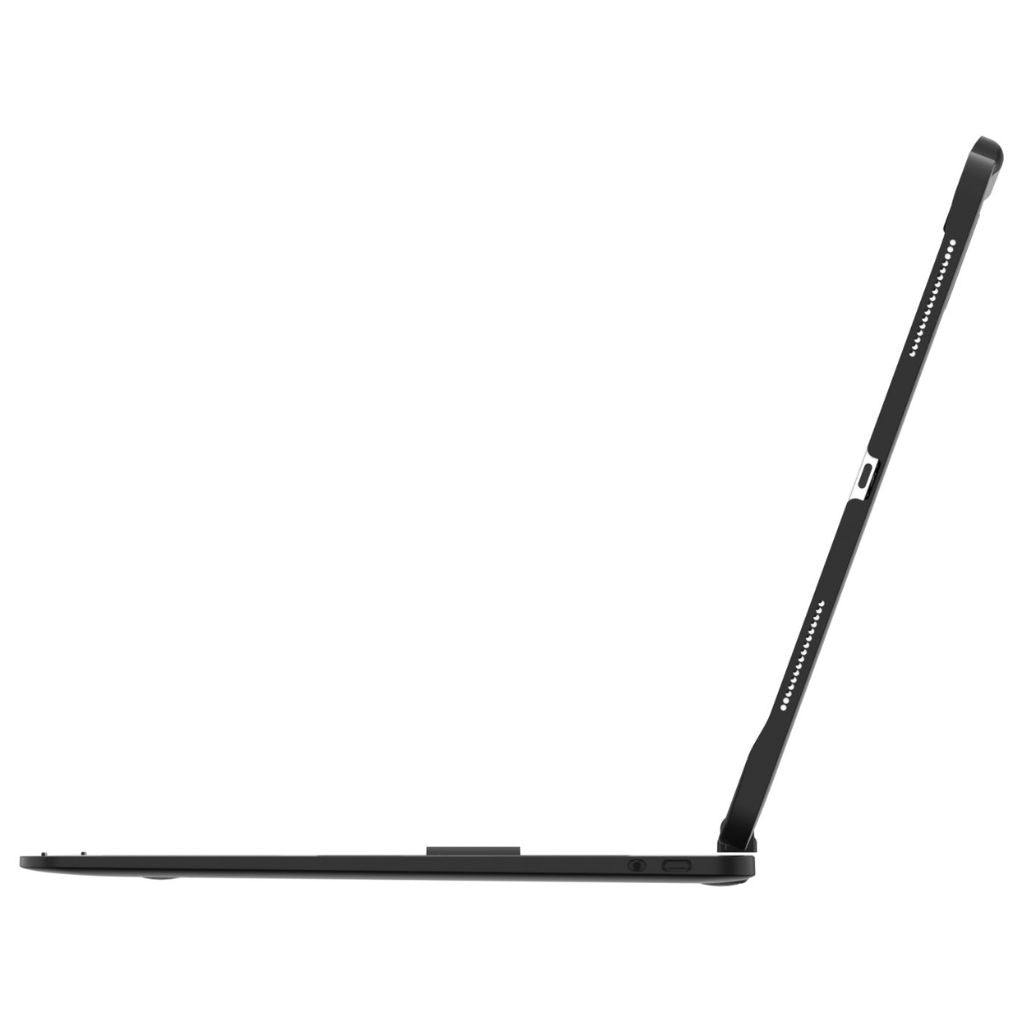
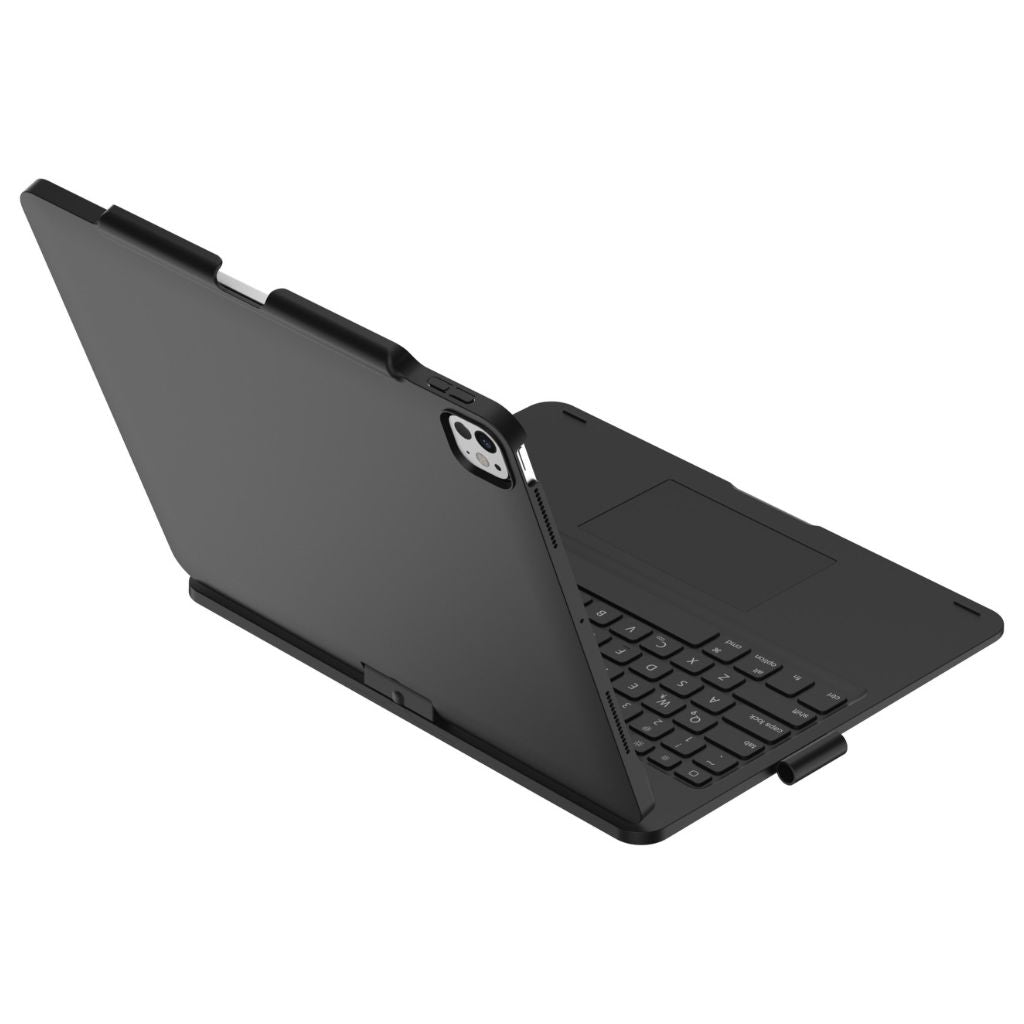

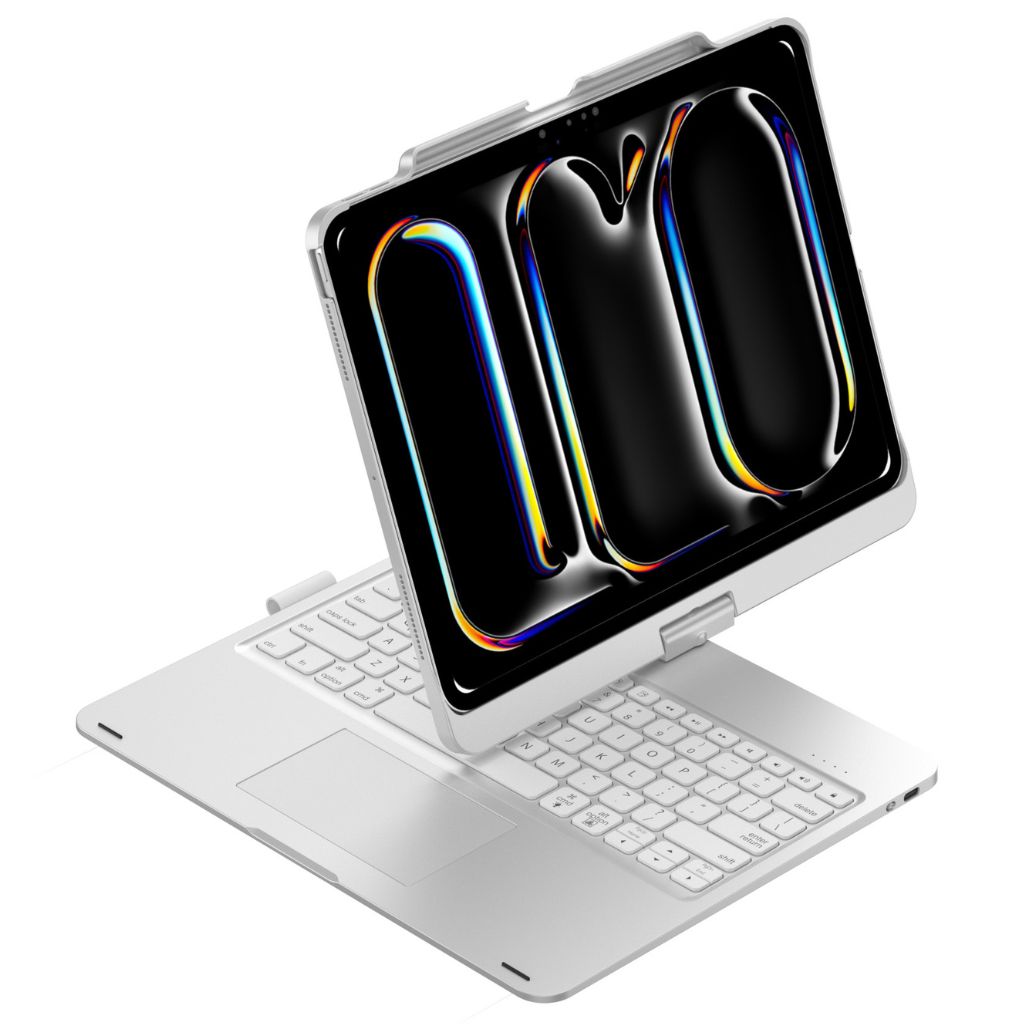
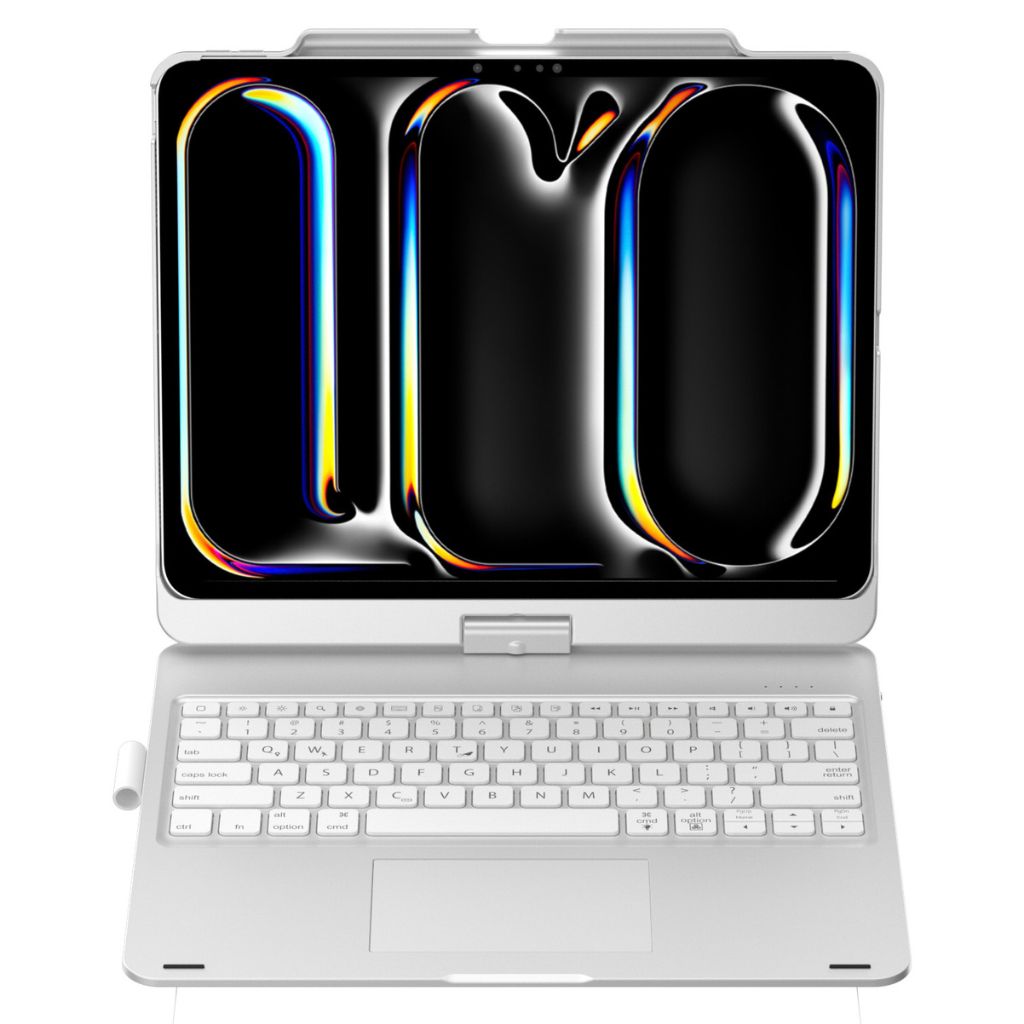
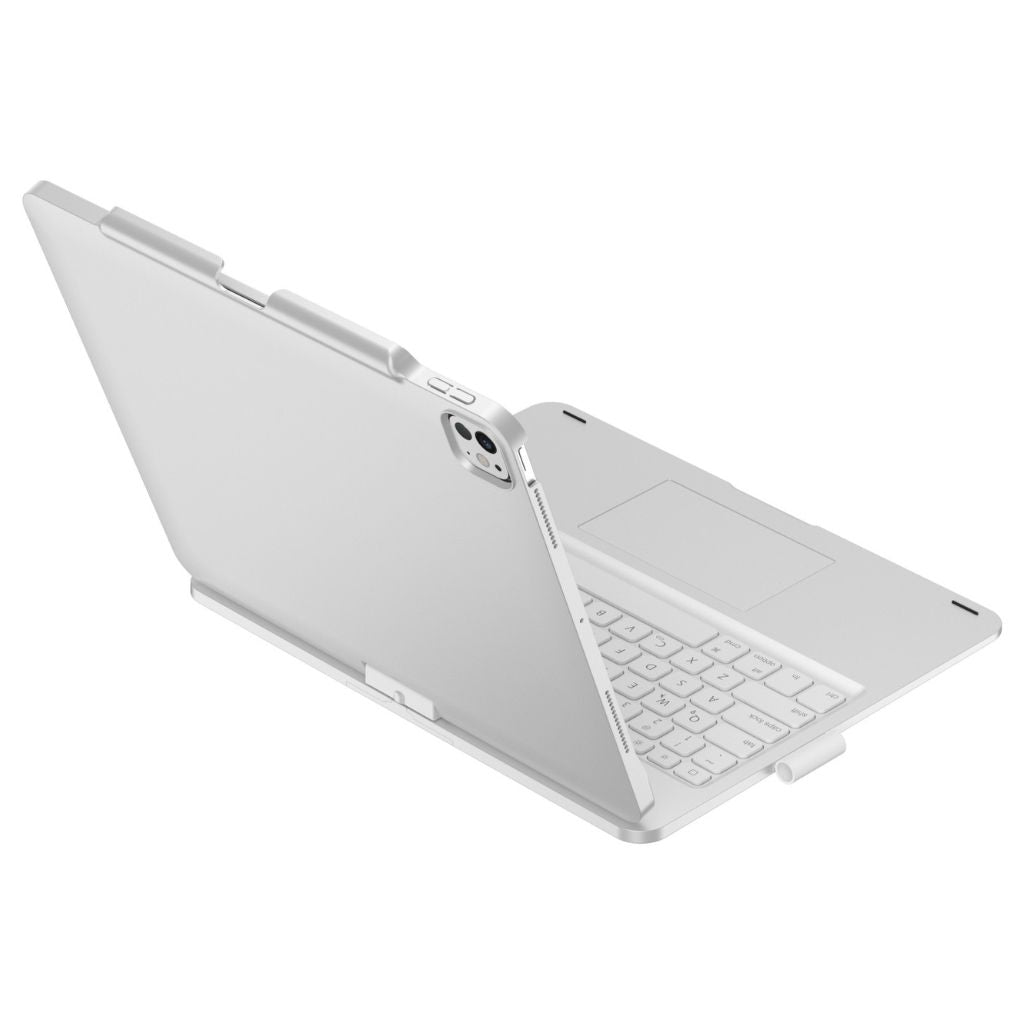

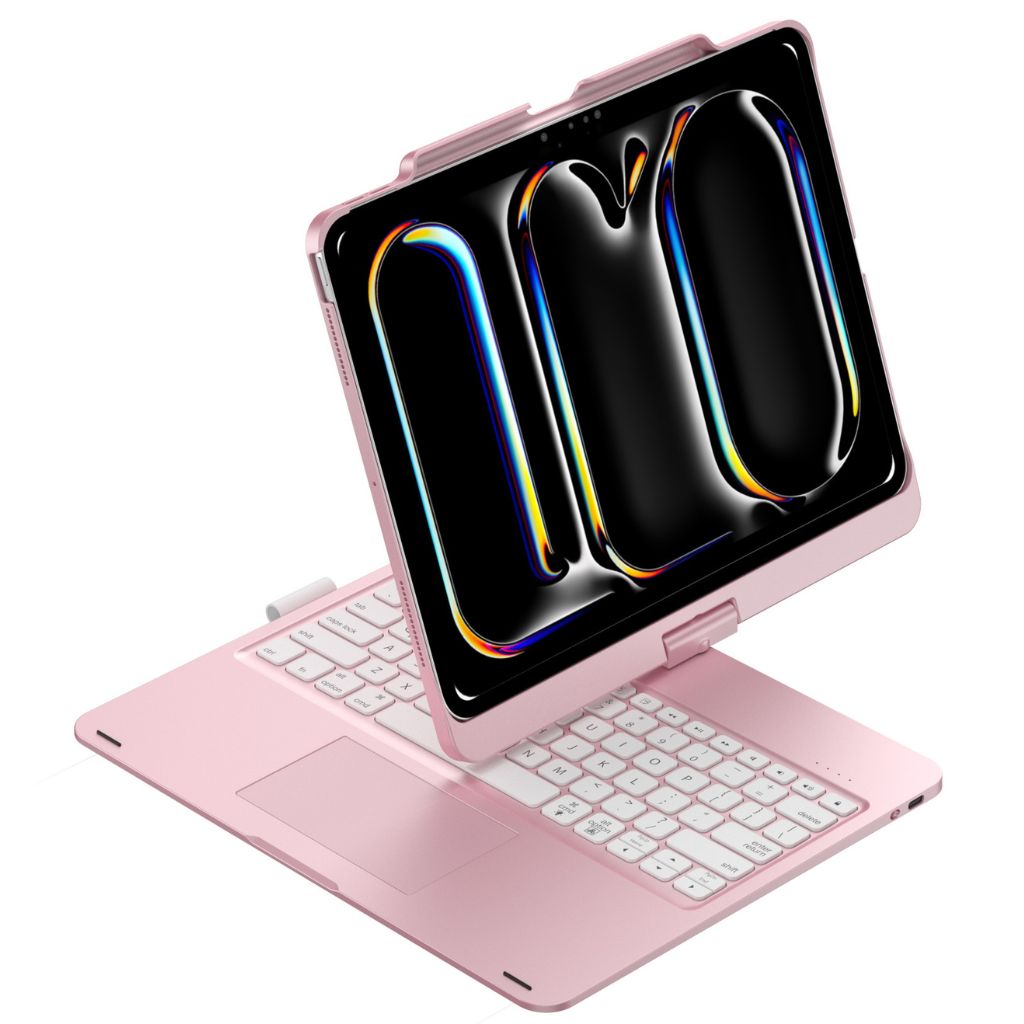
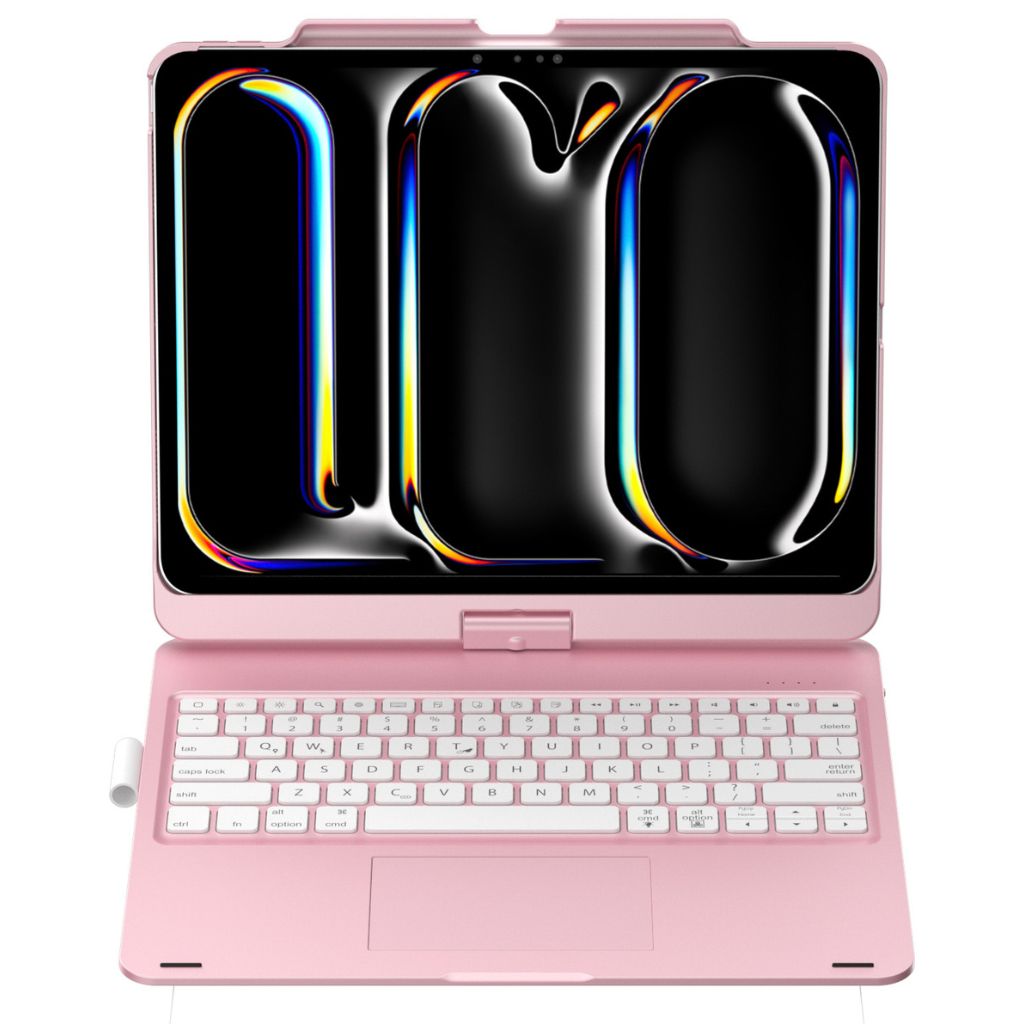
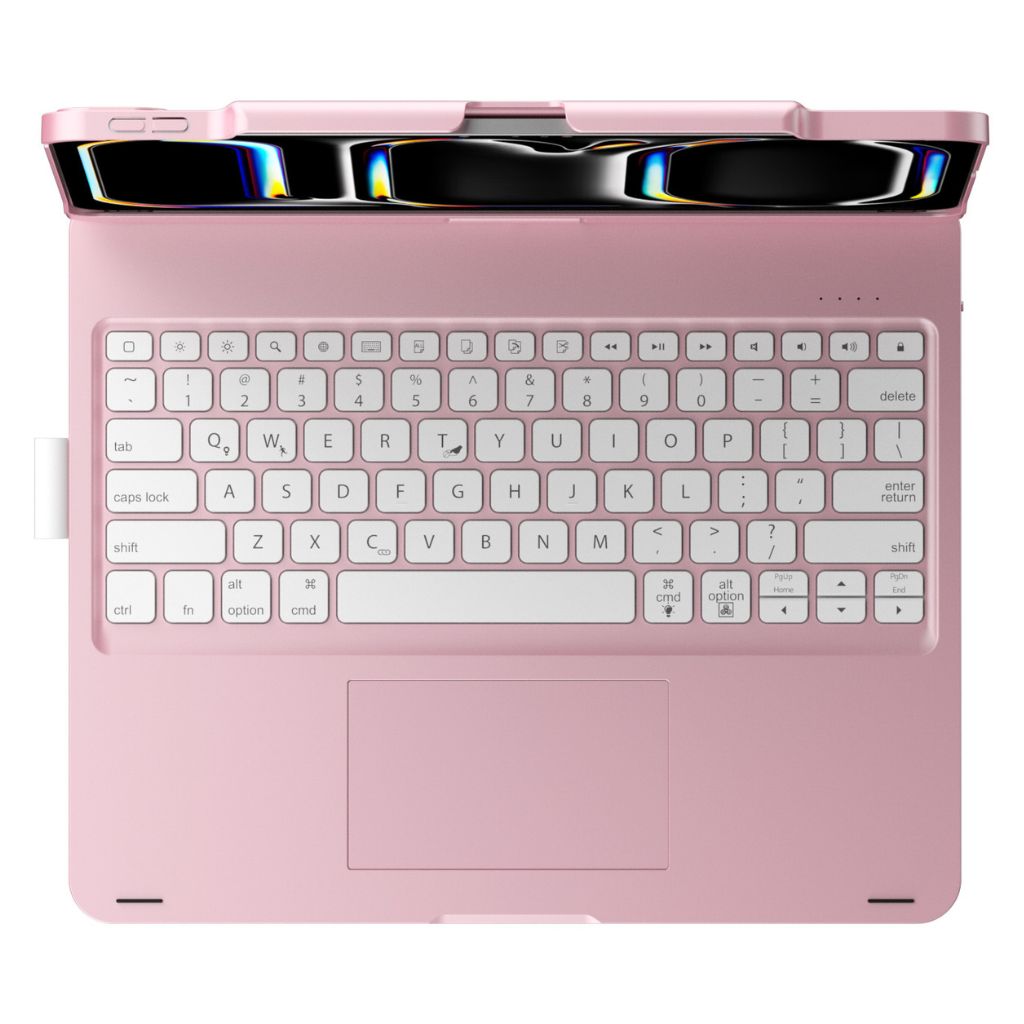
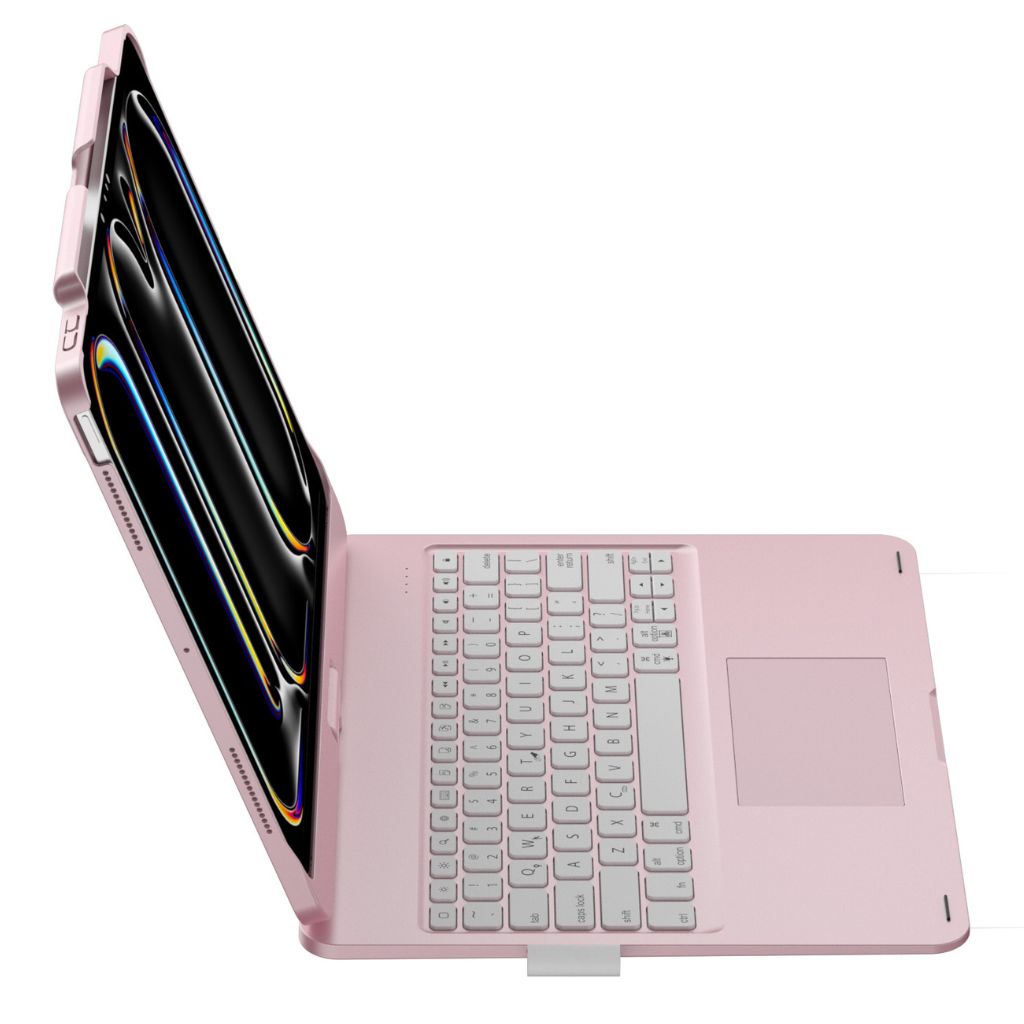
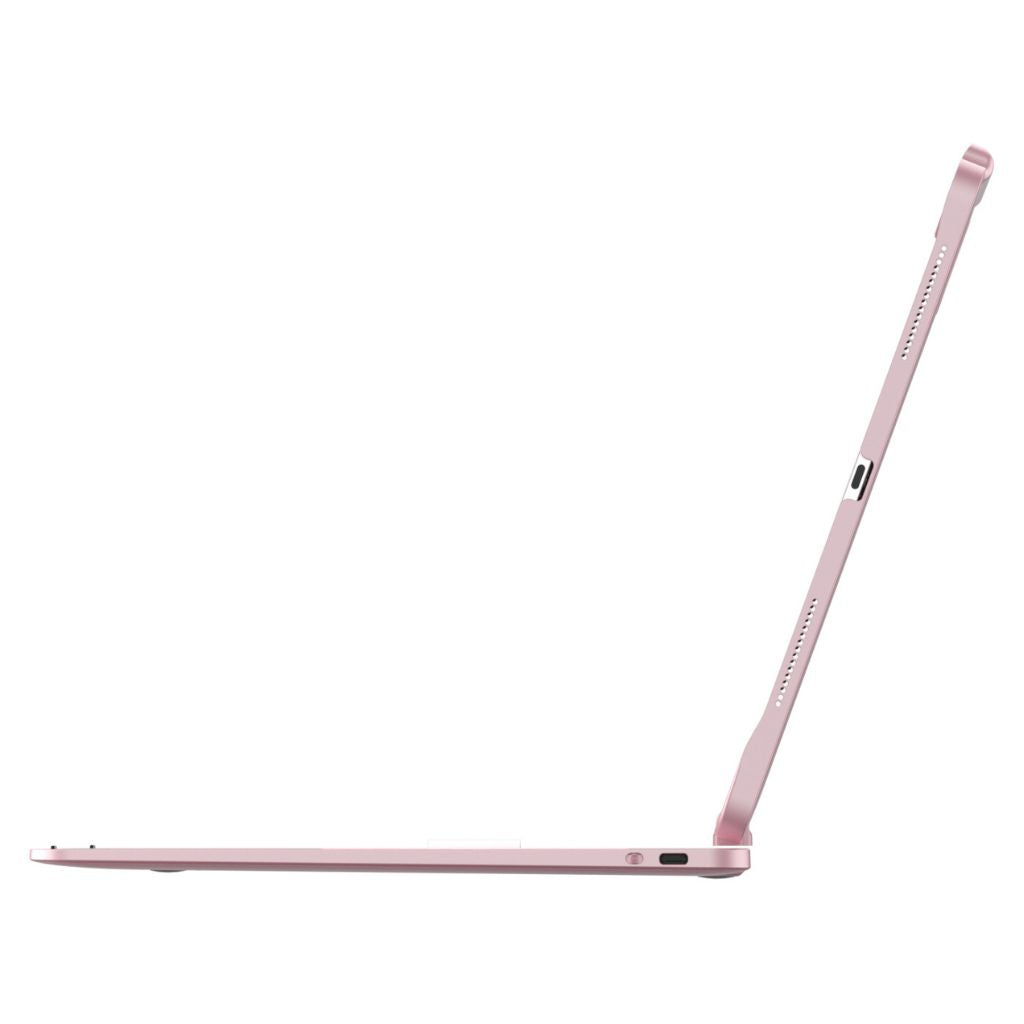
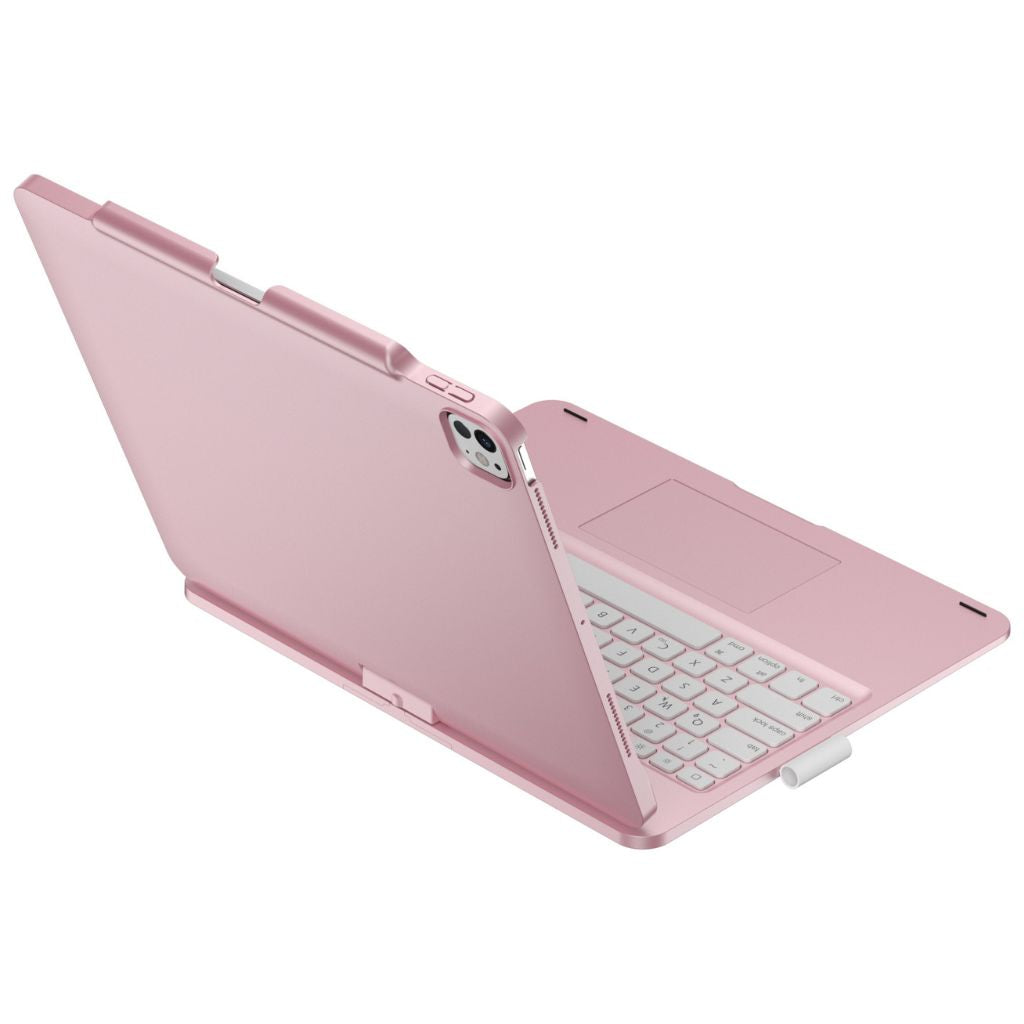
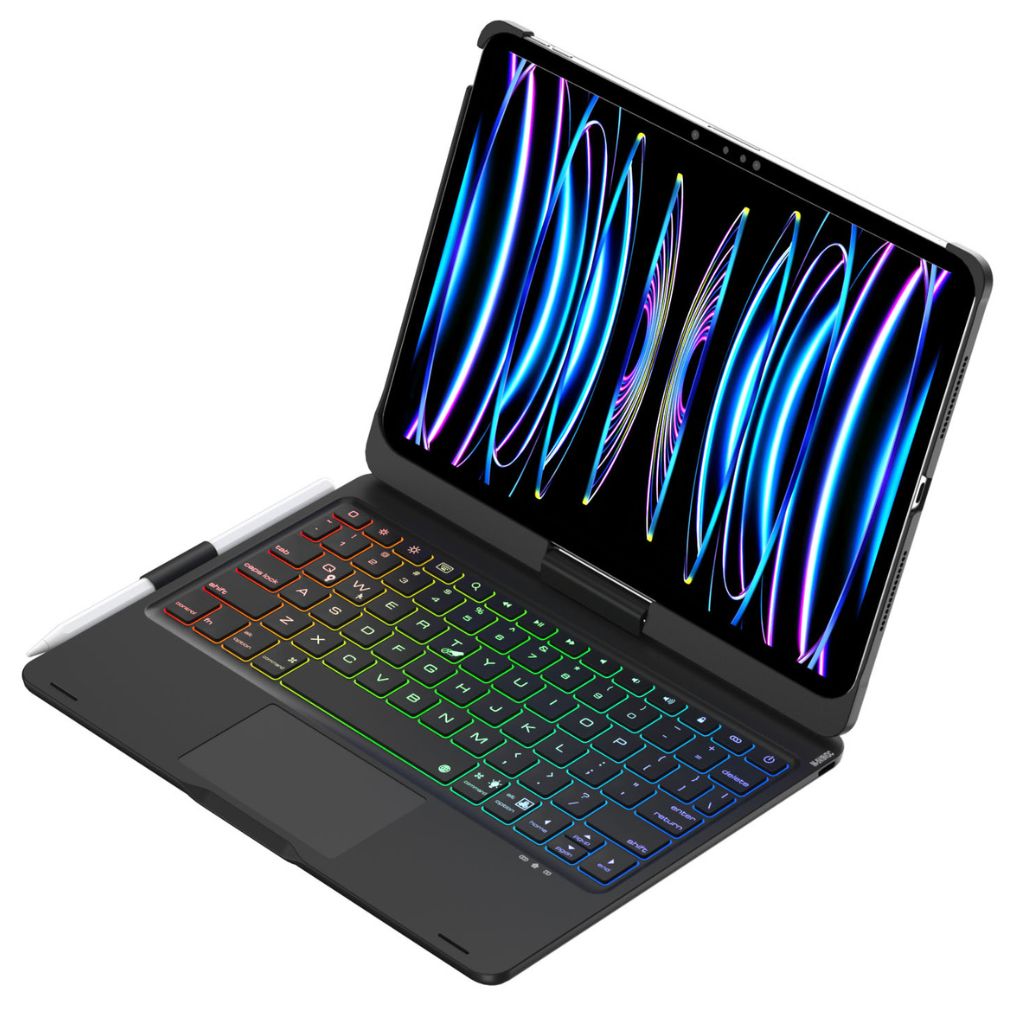
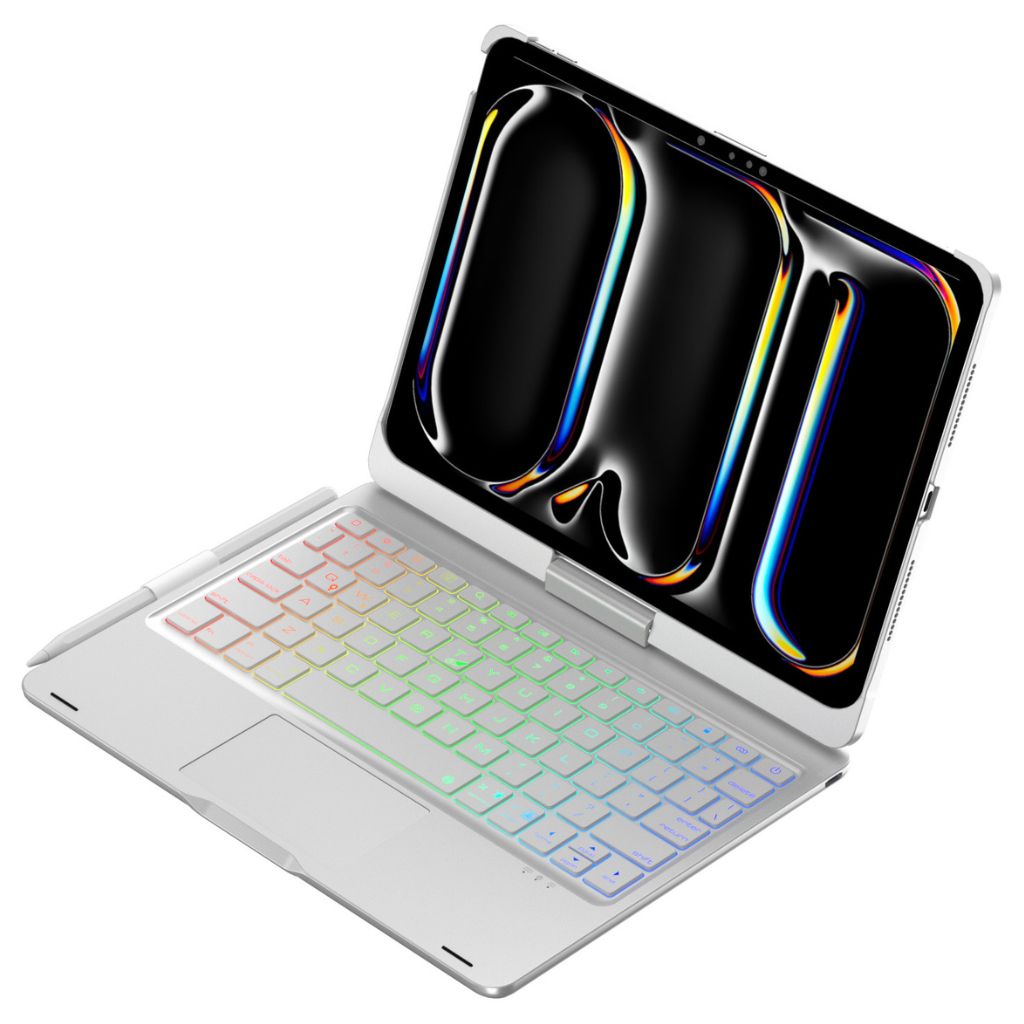
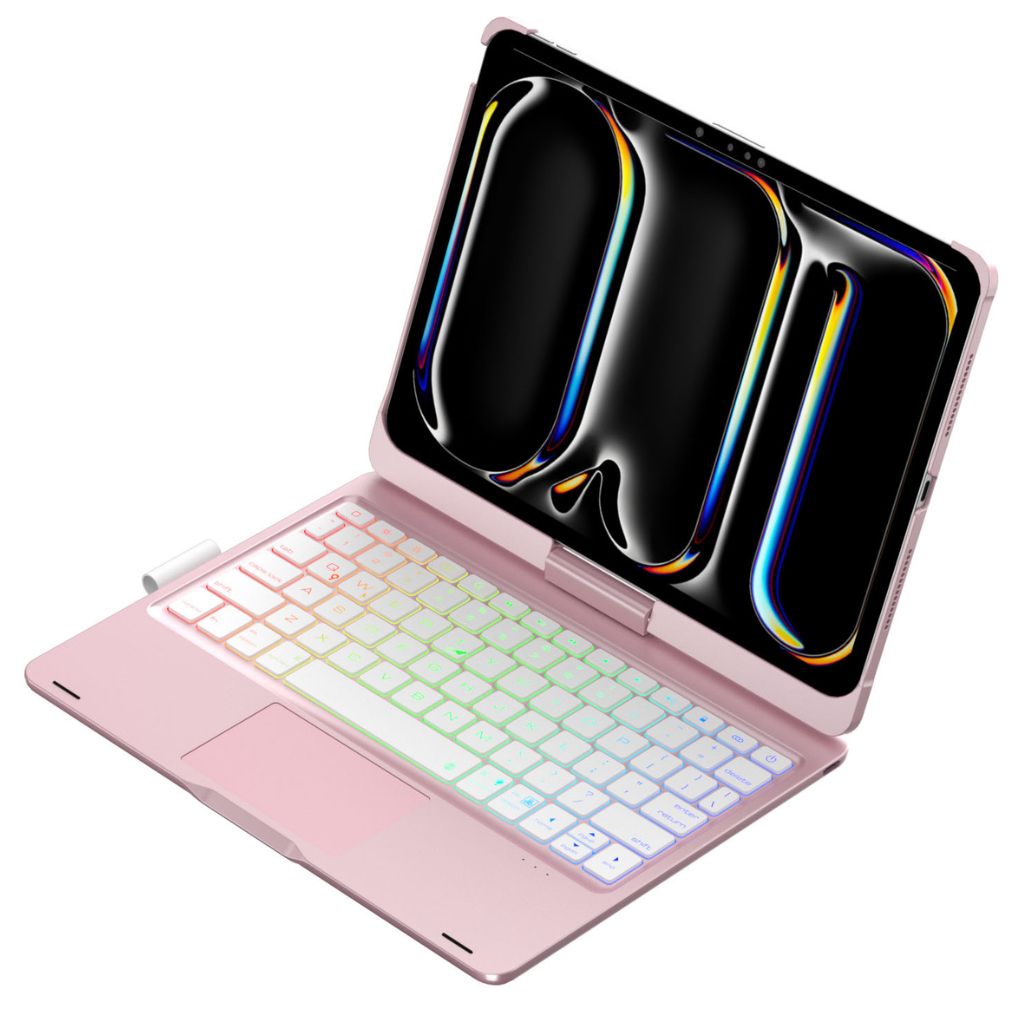
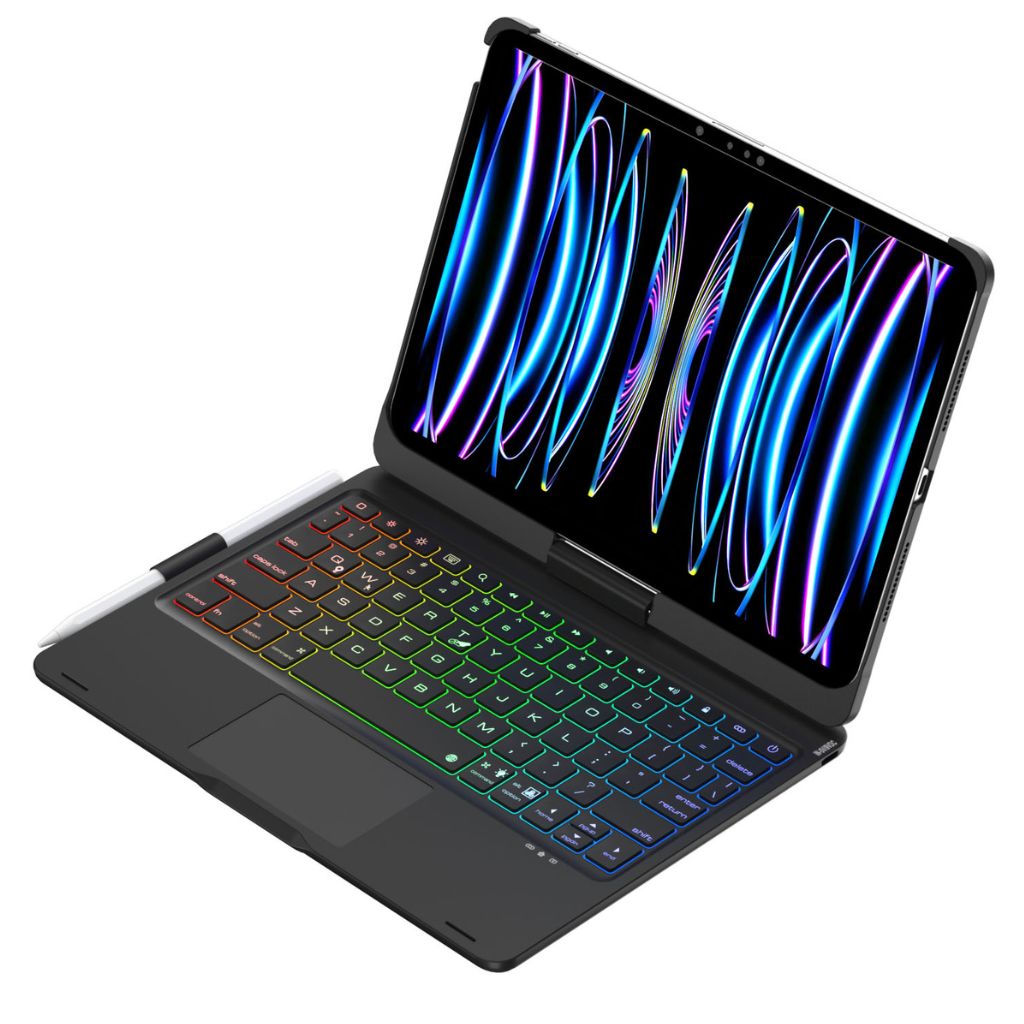
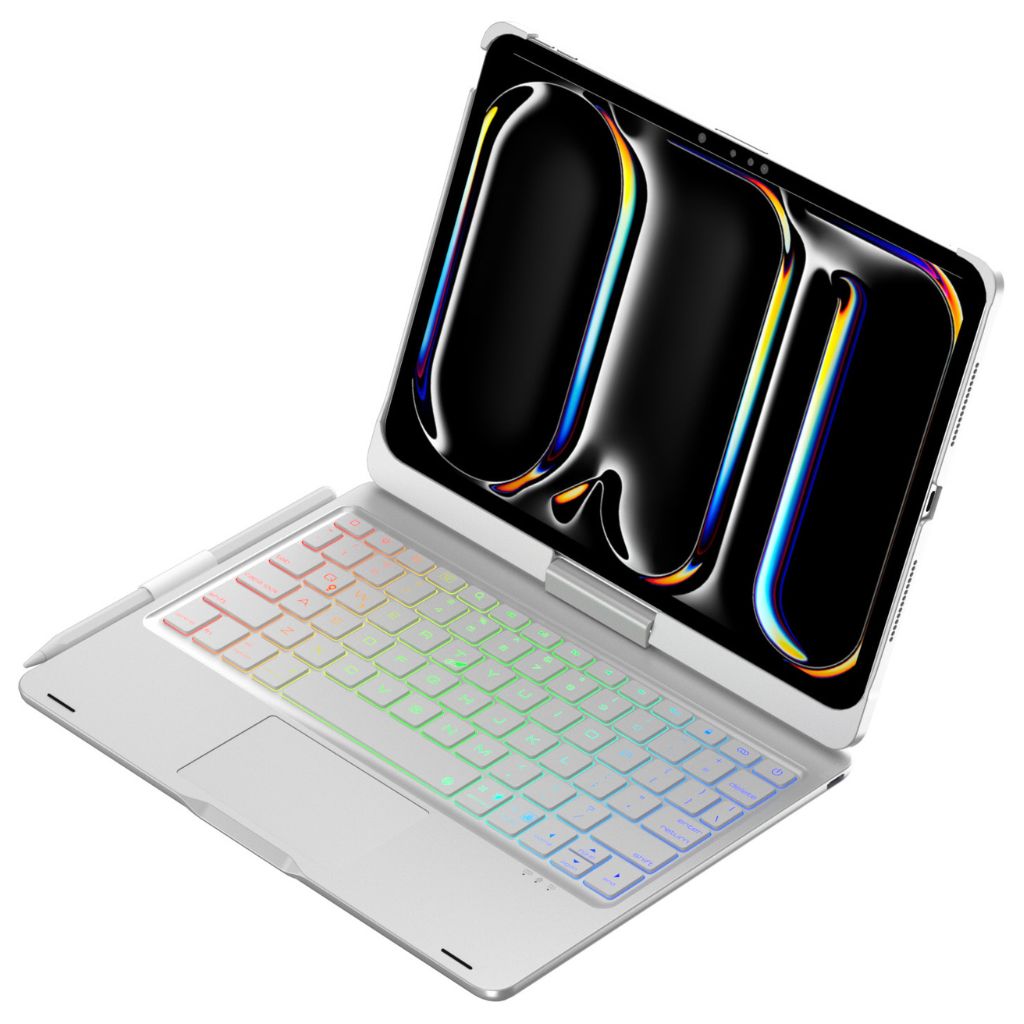
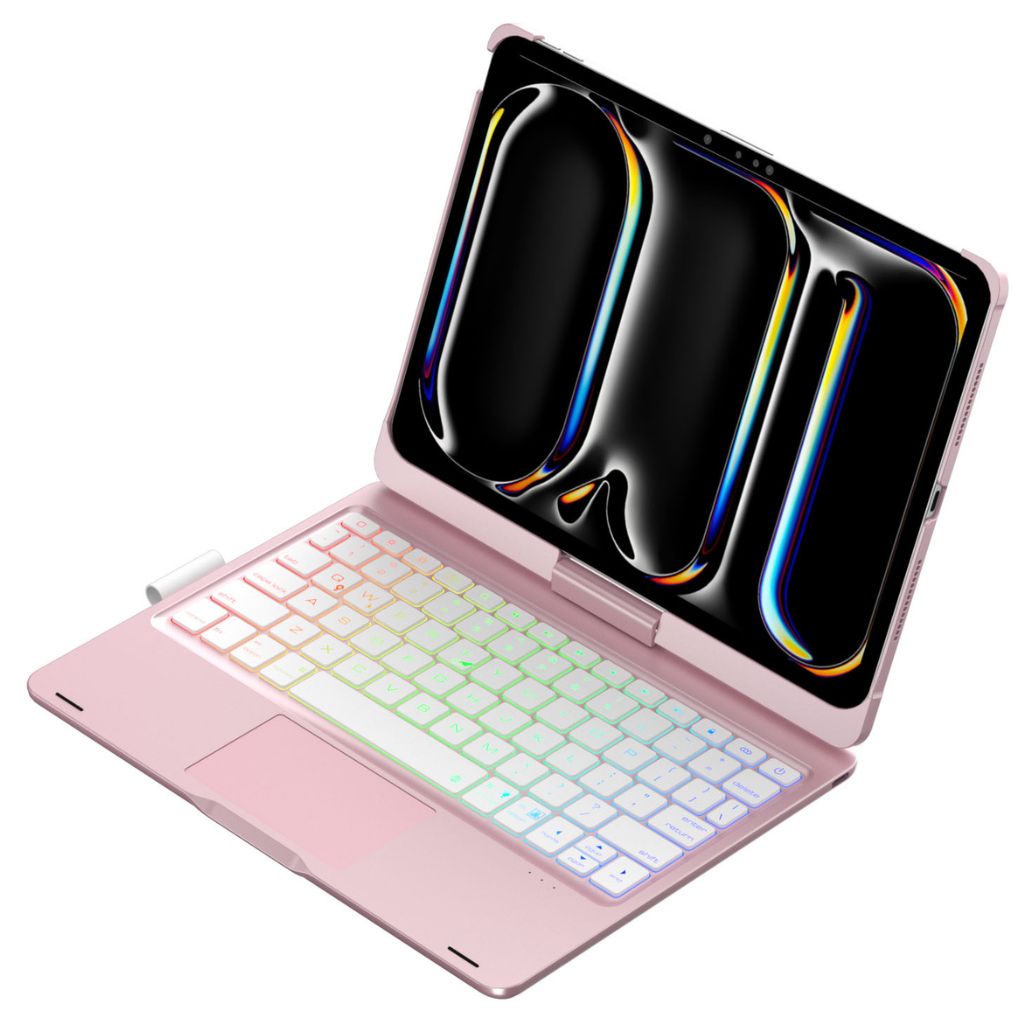
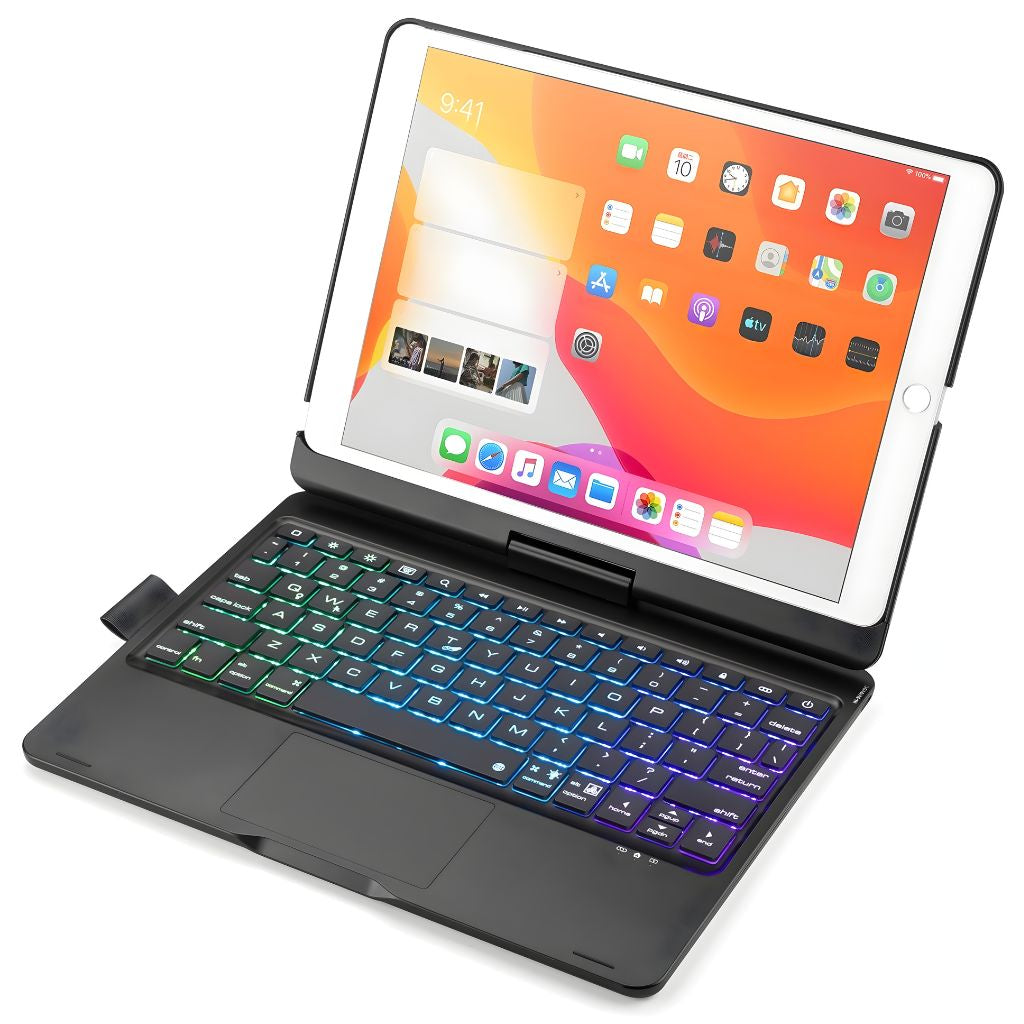
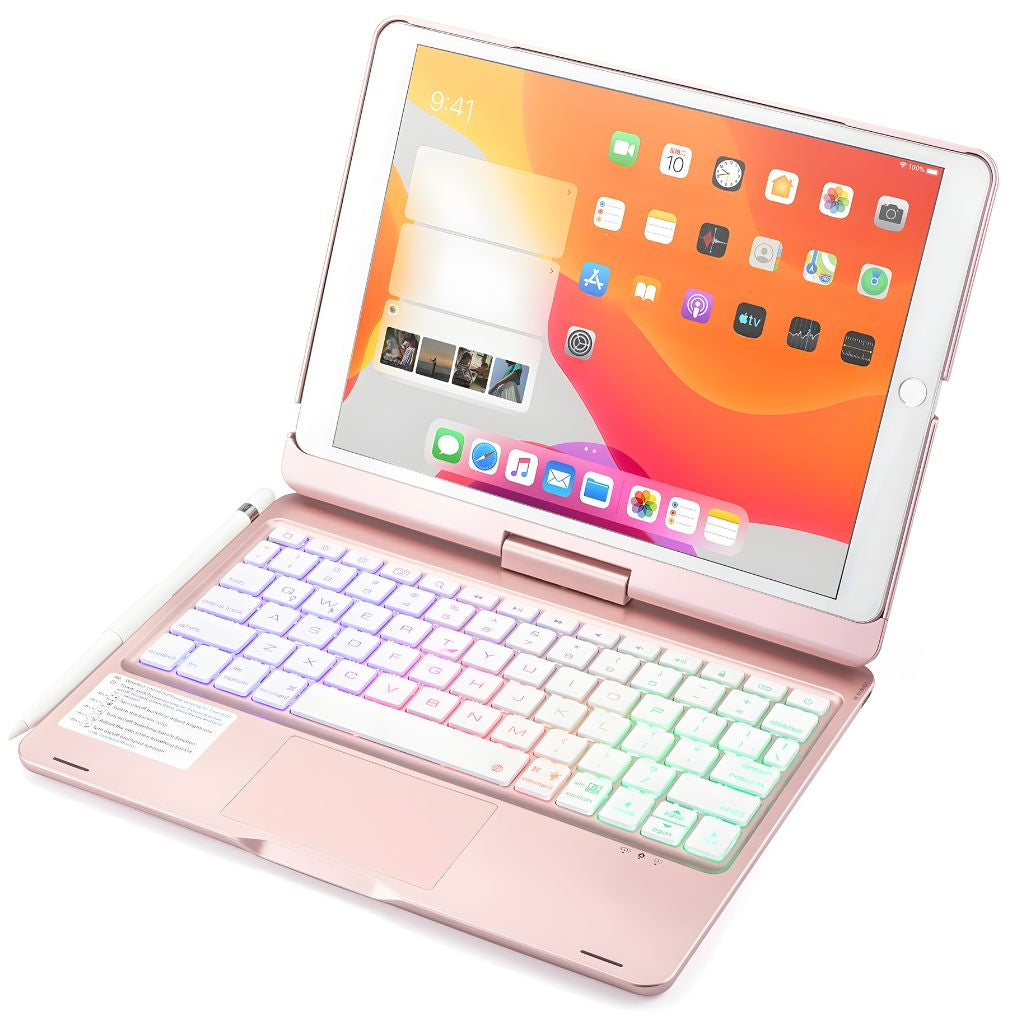
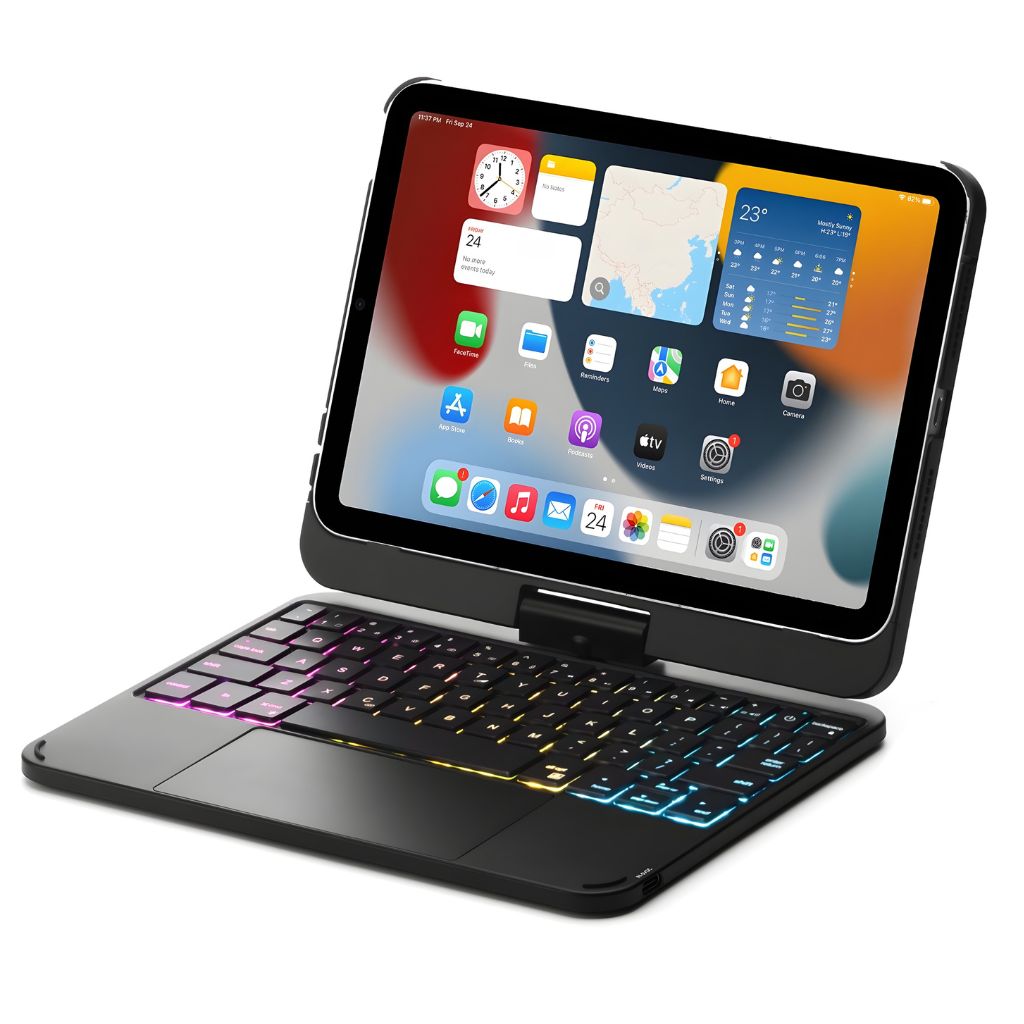
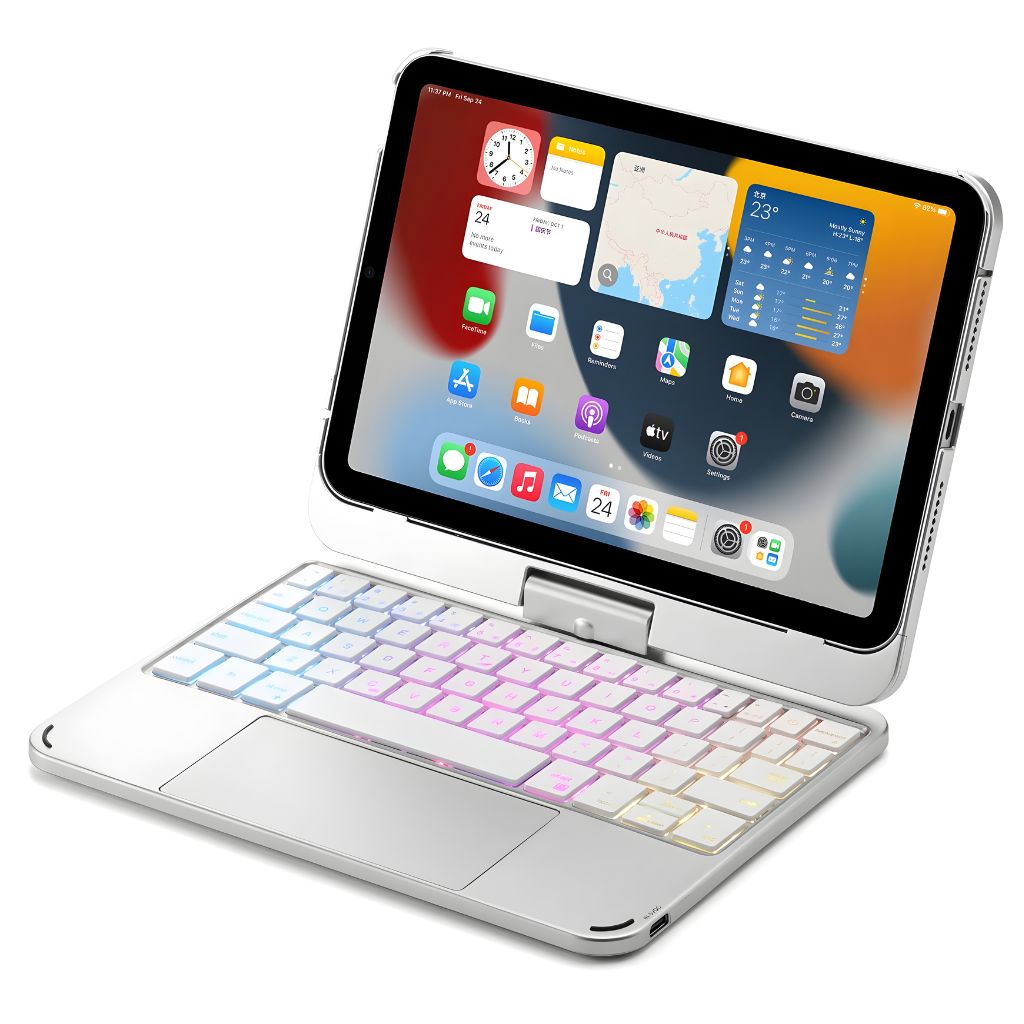
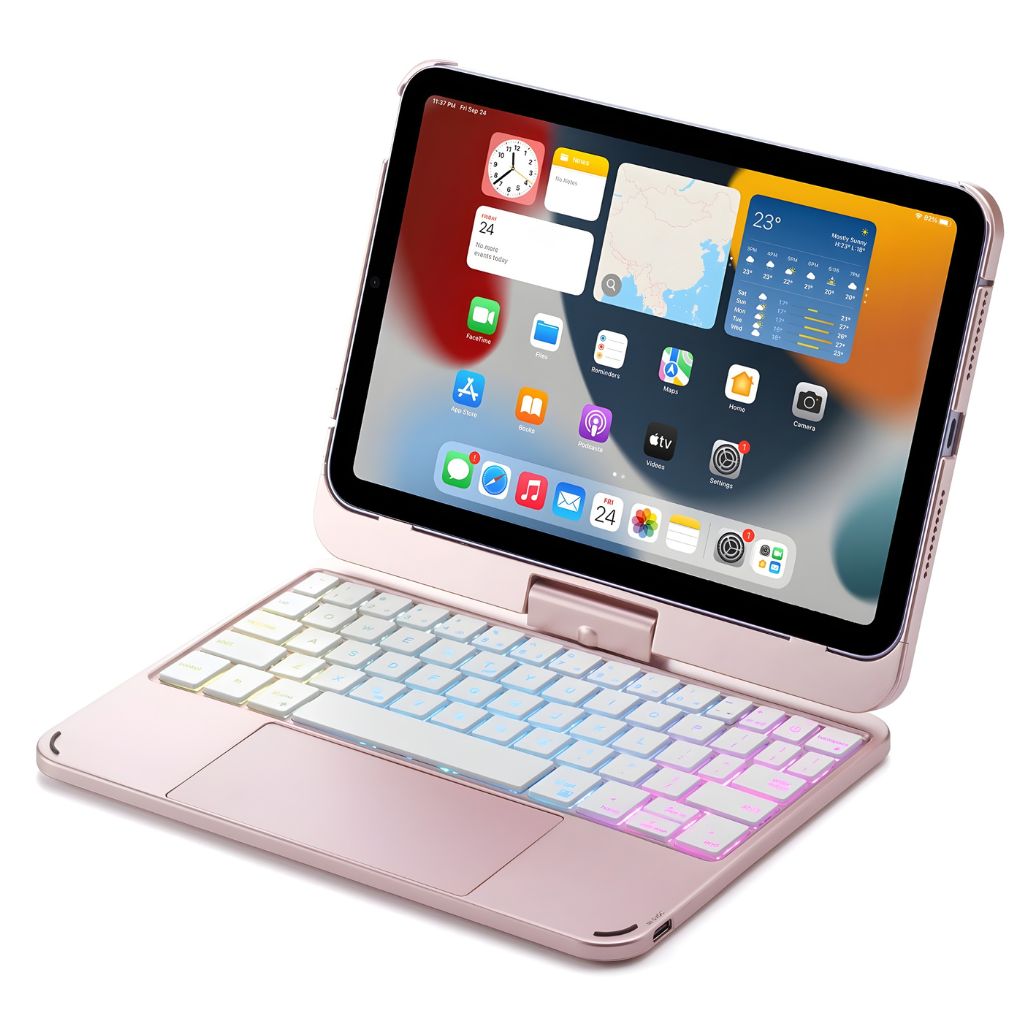


Smart design. Limitless productivity.
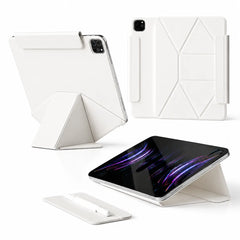
Turn your iPad into a comfortable workspace with a keyboard built into its case.
Set up for the task
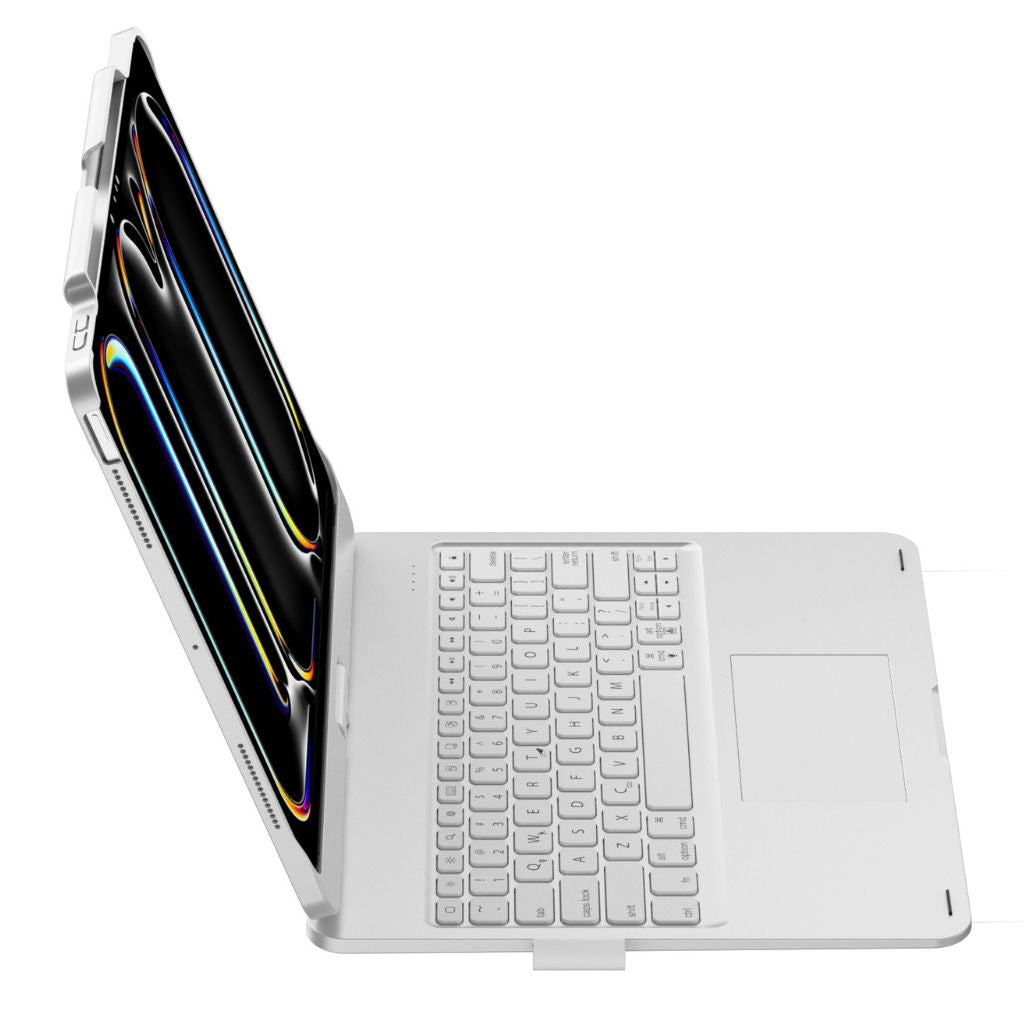
Rotate, tilt, or fold your iPad for typing, viewing, and video calls.
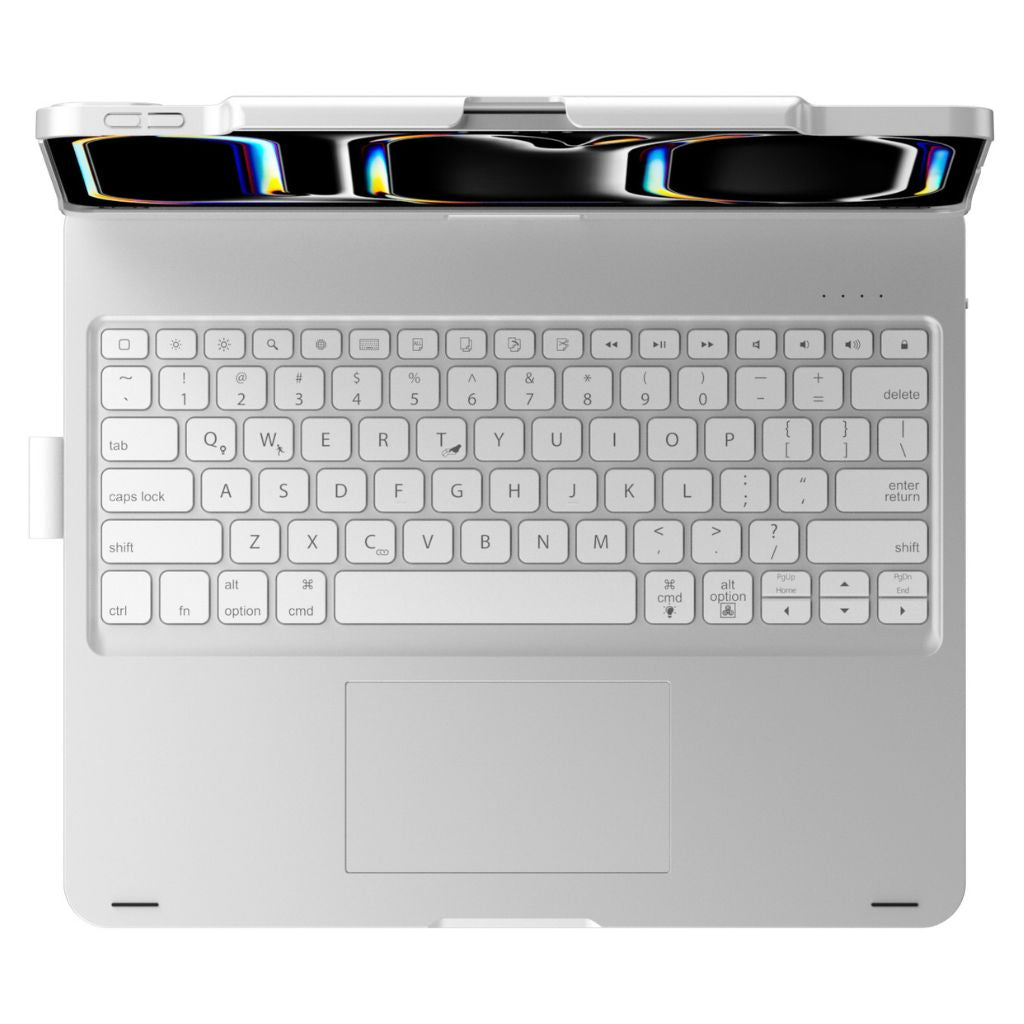
Work with keys and gestures
Backlit keys, iPadOS shortcuts and trackpad control.
Keep your pencil close
Keep your Pencil close. Support varies by model.
Make more of your iPad
Keyboard, trackpad and case for work on the go.
Type comfortably in more lighting conditions.

Navigate with familiar, precise control.

Reach everyday commands without touching the screen.

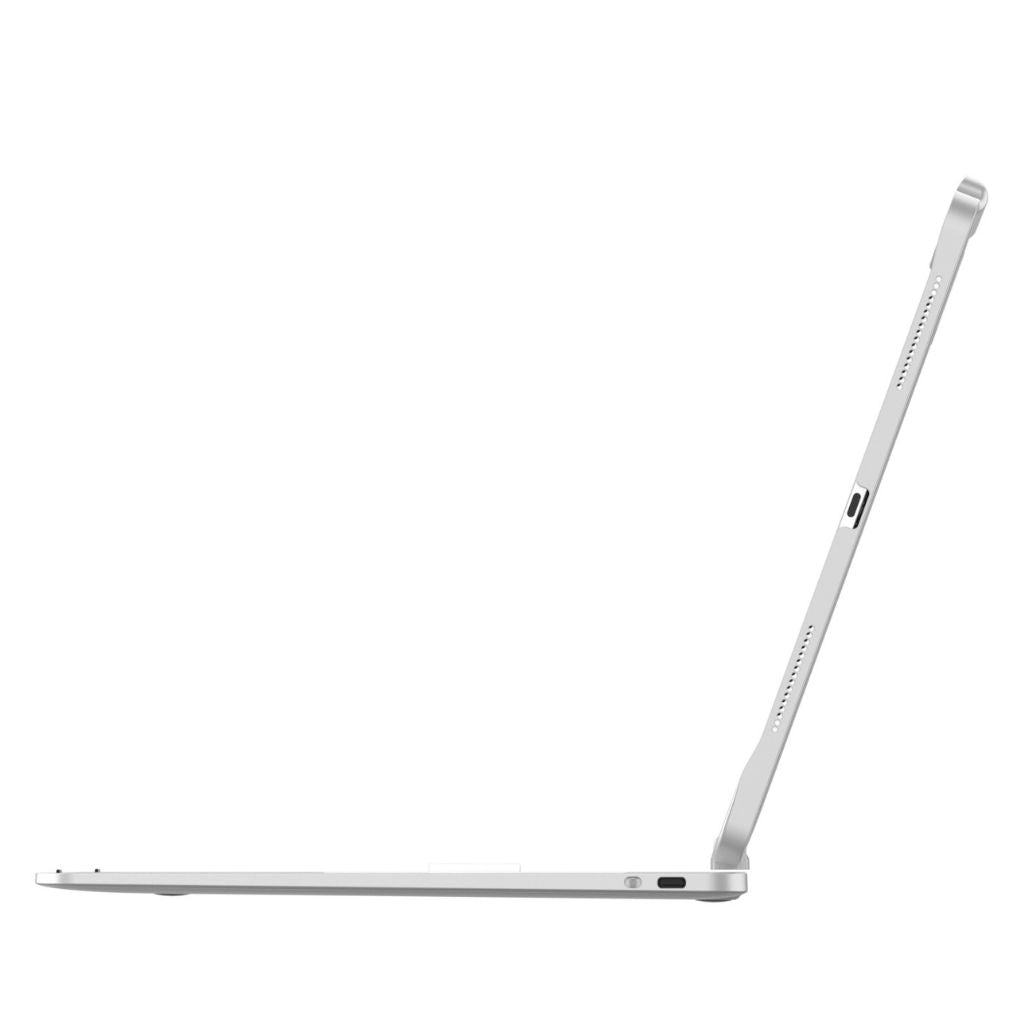
Keep the keyboard powered with a modern connection.

Close the keyboard case to pack it with your essentials.
| Charging | Fast USB-C (cable not included) |
|---|---|
| Connectivity | Bluetooth 5.0 stable pairing |
| Viewing Angles | 180° fold-back + 360° rotation |
| Apple Pencil | Built-in holder (on supported models) |
| Backlight | 7 colors, 3 brightness levels |
| Keyboard + Trackpad | Full iPadOS gesture support (scroll, swipe, zoom, click) |
| Build | Lightweight, compact, matte-finish protection |
| Battery Life | Up to 3 months standby / weeks of daily use |
Check Settings → General → About. Tap Model Number to see the A-number. Match the exact model before ordering.
No matching option is listed for this product. Check your model before ordering.
Choose your exact model in the device selector before adding to cart.
Absolutely. The built-in trackpad supports full iPadOS gestures for smooth scrolling, swiping, zooming, and app control.
Up to 3 months on standby or several weeks of daily use — no constant recharging needed.
Yes — choose from 7 backlight colors and 3 brightness levels for the perfect setup.
Most versions do. Check product images for your specific iPad size to confirm.
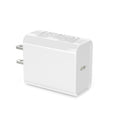
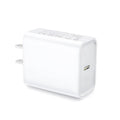
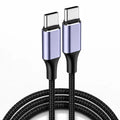
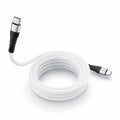
Fast and efficient USB-C charging — use your existing iPad cable.
On your iPad, open Settings → General → About. Match the Model Name to the selector above. If you need the A-number, tap Model Number, then look it up under Compatibility before choosing your exact model.
Overall rating: 4.8 / 5 from 233 reviews.

Game changer! I barely use my pc any more now that my iPad has been “re-imagined”. Goes with me to every job and every adventure!

I absolutely LOVE this Ipad rainbow backlit keyboard case

The setup was easy, it operates smoothly. Keyboard is fully operational and love it’s flexibility.

Perfect, As described. Bought for my daughters Highschool Ipad. Will buy again for my Son.

So glad I purchased this keyboard for my iPad Air 13 inch so cool

Good company, good support, Jane resolved a query about the product before i used it A good sturdy strong keyboard case as good as a Logitech

This keyboard is great. I love it so much. It has so many features. The only one thing that I don’t like is that it doesn’t charge through my iPad like the other ones too maybe you guys should work on that

I love my iPad keypad. It is taking me some time to get used to it but I’ll get there. It feels exactly like I’m using a laptop…so much easier to use.

The keyboard & case are nice, and I would rate it as ok or good but the instructions that came with it was sparse (I had to google how to sync).

Its resilience to daily wear and tear, paired with the chic design, makes this not just an accessory but an essential.

A delightful merge of convenience and capability, it's been a while since an accessory impressed me this much.

From the satisfying key travel to the snug fit, every detail feels carefully thought out and meticulously executed.

This case redefines versatility for me; I've effectively turned my iPad into a hybrid device, ready for both work and play.

The keyboard's seamless integration without added thickness is design genius. It's the perfect blend of innovation and elegance.

The case offers a comfortable typing angle, minimizing any potential wrist strain during prolonged use.

From cafes to unexpected drizzles, my iPad remains shielded and functional.

The effortless transition between typing and viewing modes, thanks to the magnetic stand, is a feature I constantly rave about.

Fitting perfectly in my backpack, its robust build ensures it can withstand the rigors of travel.

Its lightweight nature is surprising given the dual functionality, making daily commuting a breeze.

Despite the keyboard integration, I appreciate that all iPad ports remain easily accessible.

Extended typing sessions are notably comfortable due to the well-spaced keys and thoughtful layout.

Its color and finish ooze premium quality, elevating the overall look of my iPad.

The quiet keypress allows me to work in diverse environments without being a disturbance.

It's like carrying a portable office - ideal for those always on the move.

Swift and reliable Bluetooth connectivity ensures a hassle-free pairing experience every time.

Several months of usage in, and both components remain in impeccable condition – a testament to their durability.

With its instant response from each keypress, it feels as responsive as a high-end laptop keyboard.

The long-lasting battery life on the keyboard is commendable. I rarely find myself needing to charge it.

The chic design paired with an ergonomic layout results in both a visually pleasing and efficient user experience.

With a minimalistic yet resilient design, it ensures aesthetics and protection aren’t sacrificed.

Multitasking on my iPad has never been easier! This combo is a game-changer for those keen on productivity.

The tactile feedback on this keyboard is impressive. Even with the protective case layer, there's no extra bulk.

Seamlessly integrating fashion with function, this iPad case transforms my tablet into a mini workstation in seconds, without compromising style.
This is a very nice product! The backlit keyboard is great with 3 brightness settings. The only drawback is that the special characters do not type accurately when typing a text. The ? types as an Underscore. A ( types as something else. One special character types as an accent mark used in the French language. So you have to switch to the iPad keyboard mid-text to get a special character to type correctly. Also, emojis can’t be accessed directly from the Evolve keyboard, so you have to switch back to the iPad keyboard to insert emojis.
Love my case. So much better than the one they have at apple. I can lay in bed and adjust the screen without it falling over every two seconds. The case makes it feel like a mini laptop.
I have had an iPad for years. I have it set up so it very nearly replaces my work laptop. I have tried several keyboards and have finally found one that works great. Fits my hands. And the case is great protection for my device.
The keys are very particular. If not pressed hard they do not print The emoji screen is gone, so it has to switch off to use them. ( I use them quite a bit)
Tablet was an easy snap on. Instructions were similar to Apple's tutorial using tap and finger movements to navigate. However, and I guess it's a good thing, it was not so easy removing tablet from the case. So if you're constantly on the move, no worries about your tablet falling or slipping out.
Really appreciated the great customer service
Absolutely love love love this product . Light up keyboard is my 10 year olds favourite. Strong durable and makes my iPad turn into a laptop ❤️❤️❤️❤️❤️